

Cold Email Infrastructure for Agencies: The Complete Playbook
Running a cold email agency at scale comes down to one brutal constraint: your deliverability is only as good as your least-maintained client's mailboxes. One ignored domain, one warmup skipped, one misconfigured DMARC record — and that client's campaign starts burning. If you're on shared infrastructure, it can take others down with it.
This playbook covers how agencies should architect their infrastructure to scale from 5 to 50+ clients without adding headcount to manage the plumbing.
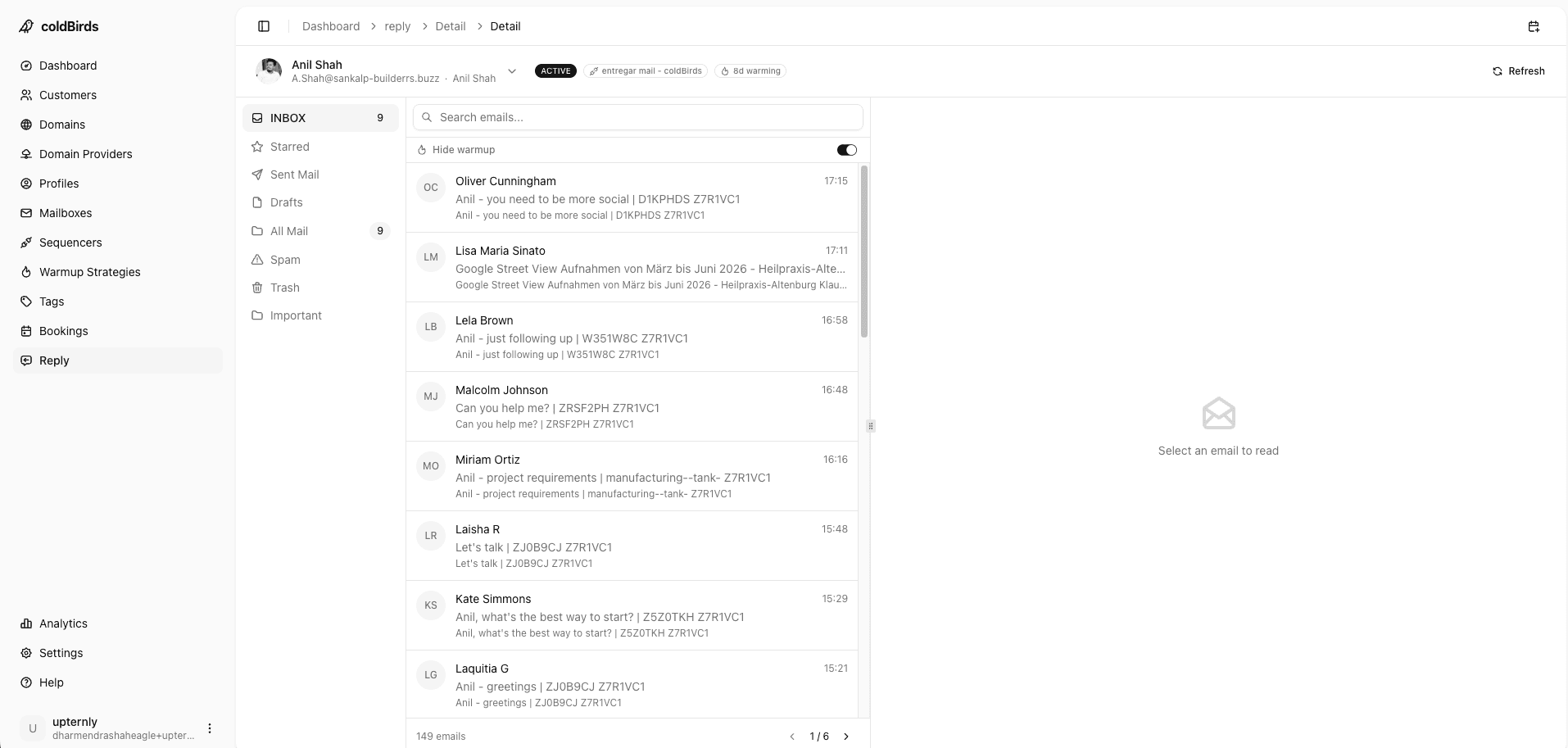
Why Agency Infrastructure Is Different
Agency cold email infrastructure has fundamentally different requirements from an in-house SDR team's setup:
| Requirement | In-House Team | Agency |
|---|---|---|
| Number of clients | 1 (themselves) | 5–50+ |
| Domain isolation | Nice to have | Mandatory |
| Client onboarding speed | Once or twice a year | Weekly |
| White-labeling | Not needed | Required |
| Per-client reporting | N/A | Mandatory |
| Blast radius control | Low priority | Critical |
| Mailbox count | 10–200 | 100–5,000+ |
| Infrastructure management time | 2–5 hrs/week | 15–30 hrs/week (without a platform) |
The operational overhead of managing 30 clients' infrastructure manually is the reason cold email agencies hit growth ceilings. It's not a sales problem. It's an infrastructure problem.
The Non-Negotiable: Complete Client Isolation
Every client must have completely isolated infrastructure. This means:
- Separate domains — Client A's domains never share DNS configuration with Client B's
- Separate mailboxes — Client A's sending accounts are never on the same workspace as Client B's
- Separate IPs — Client A's outgoing email never shares an IP with Client B's sending
This is not just good practice — it's client retention strategy. If one client's aggressive sending or spam complaints affect another client's deliverability, you lose both clients.
Never put two clients' mailboxes on the same Google Workspace account. Account-level bans affect every mailbox on that account. Client A getting banned should never touch Client B's infrastructure.
True isolation goes further: within a single client's infrastructure, you want maximum IP isolation at the mailbox level. A 1:1:1:3 architecture (1 workspace, 1 domain, 1 IP per 3 mailboxes) means the worst possible incident only affects 3 mailboxes — not the client's entire account.
Per-Client Infrastructure Setup: What You Need
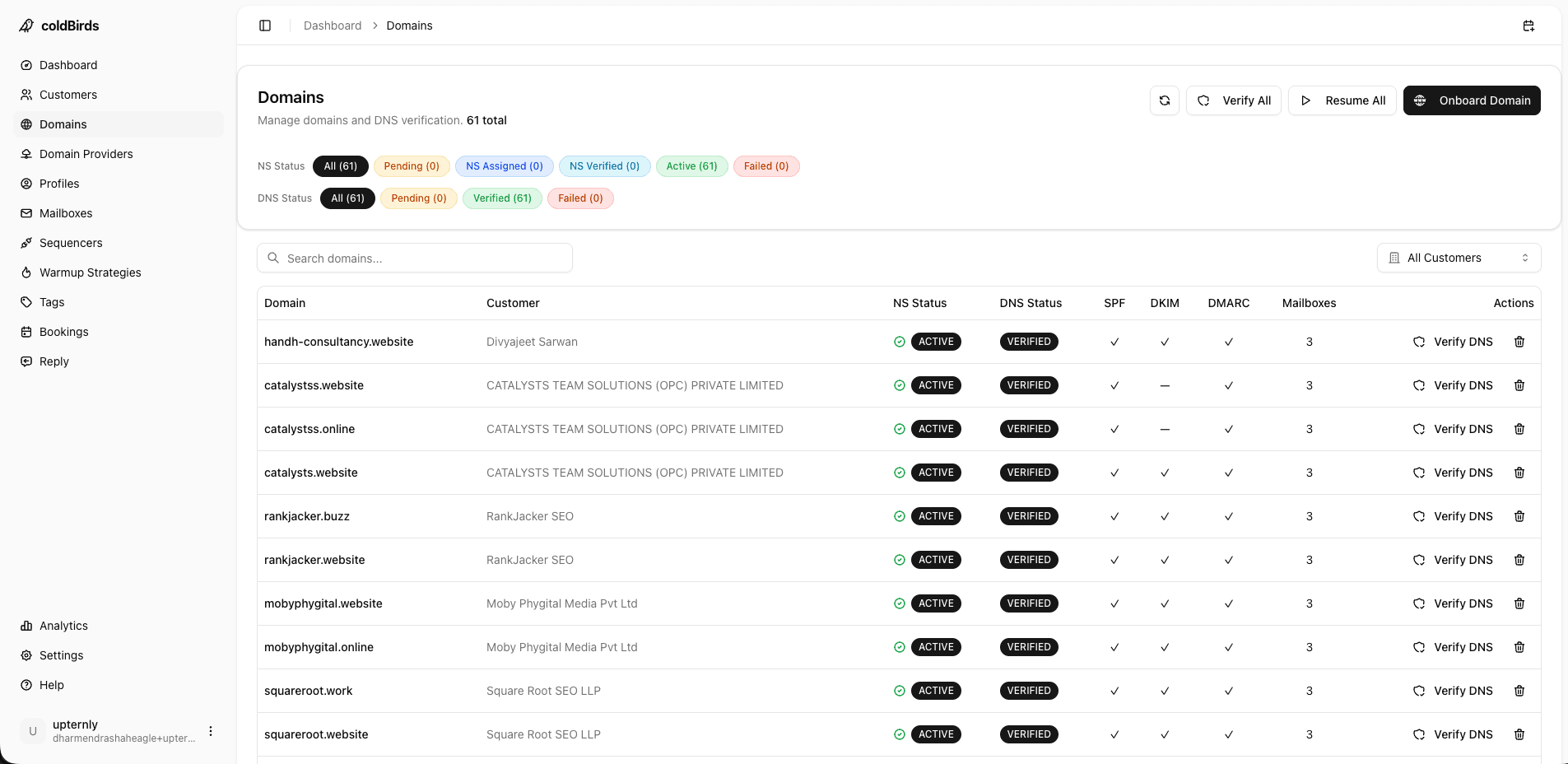
For each new client, a properly isolated cold email infrastructure requires:
Domains: 3–5 sending domains per client. Secondary domains that redirect to the client's primary domain. Buy variations: get[client].com, [client]hq.com, [client]team.com.
Mailboxes: 2–3 per domain = 6–15 mailboxes per client. On Google Workspace or Microsoft 365. New accounts, never recycled.
DNS Records: SPF, DKIM, and DMARC on every domain. All must be correctly configured before warmup starts.
Warmup: 14–28 days for every mailbox. Cannot be skipped or shortened without paying a deliverability penalty.
Monitoring: Per-mailbox health checks. Not "check bounce rate in the sequencer" — actual inbox placement monitoring with blacklist checking.
Sequencer Connection: Connect client's mailboxes to the sequencer. Confirm rotation settings. Set daily send limits per mailbox (never exceed 50 email/day/mailbox in the first 60 days).
Estimated setup time (manual): 3–8 hours per client. Estimated ongoing management time (manual): 2–4 hours/week per 10 clients.
At 30 clients, that's 6–12 hours/week just maintaining infrastructure — before you've run a single campaign.
Scaling Mailbox Count Without Losing Control
The math forces you to scale fast:
- Average client needs 10 mailboxes
- 30 clients = 300 mailboxes to manage
- Adding 5 clients/month = 50 new mailboxes/month, all needing warmup
- A 300-mailbox portfolio changes daily: some degrade, some need re-warming, domains expire, Google randomly flags accounts
Without a platform, this becomes a full-time job.
The operational leverage model:
Manual management at 300 mailboxes costs approximately:
- 12 hrs/week management time × $150/hr agency rate = $1,800/week in opportunity cost
- Plus actual tool costs ($2,500–$4,000/month)
- Total: ~$11,000/month to support 300 mailboxes
Managed platform at 300 mailboxes:
- Platform cost: $800–$1,500/month (all-inclusive)
- Management time: 1–2 hrs/week × $150/hr = $225/week
- Total: ~$2,200/month
The ROI of automation at agency scale is not subtle.
Calculate your infrastructure time cost before evaluating platform pricing. 10 hours/week at your hourly rate is often more expensive than the platform itself. The platform pays for itself in time recaptured.
Reducing Client Onboarding from Weeks to Hours
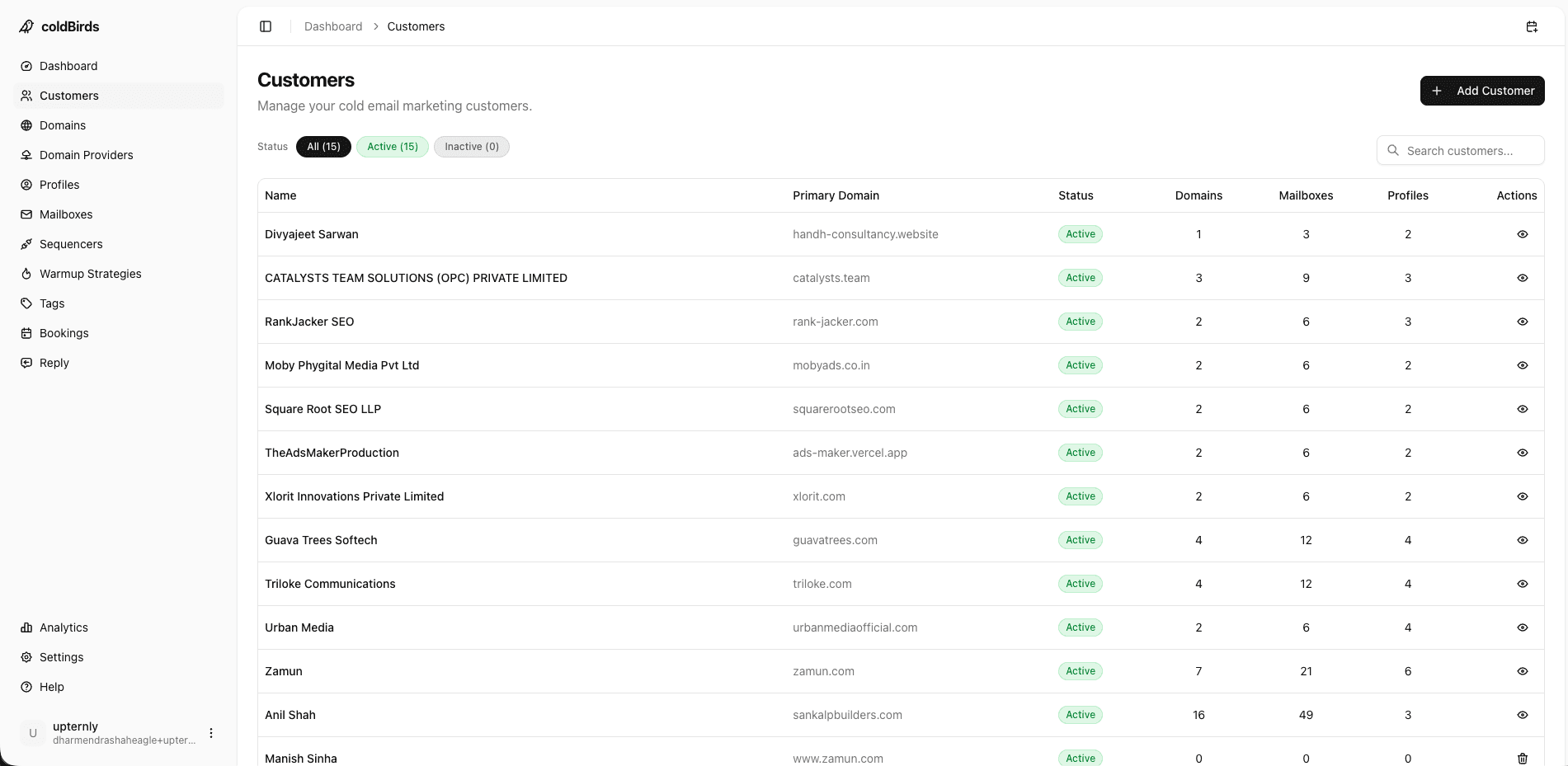
The traditional agency client onboarding timeline:
- Day 1–2: Register domains
- Day 3–5: Set up Google Workspace accounts
- Day 5–6: Configure DNS (and fix the 3 mistakes you made the first time)
- Day 7–14: Start warmup
- Day 28–35: Begin production sending
5 weeks before the client's first email goes out. Clients hate this. It delays their ROI, strains the relationship, and limits how many clients you can onboard per month.
The target is: client signs → first email out in 24 hours or less.
This is achievable when:
- Domain registration is automated (API-driven bulk registration)
- Mailbox provisioning is automated (auto-creation on Google Workspace/M365)
- DNS is auto-configured — no manual record entry
- Warmup starts automatically on provisioning
- Sequencer connection is automated (API key exchange)
With a platform that automates all five steps, a new client is onboarded and in warmup within hours of approval. Production sending starts 14–28 days later (warmup is unavoidable), but the operational work is done.
White-Labeling for Agency Client Relationships
Your clients should see your brand, not your tool vendor's. White-labeling requirements for agencies:
- Dashboard branding: Client-facing portal shows your agency logo and colors
- Domain ownership: Domains registered in client's name (or your agency's, depending on your service model)
- Report exports: Deliverability reports exported with your agency branding
- No vendor attribution: Clients shouldn't know which platform you use — it's your infrastructure service
White-labeling also protects your margin. If your client sees the platform's pricing page, they wonder why they're paying you $2,000/month for something that costs $97/month. The platform is your tool — the service and expertise are your product.
Monitoring Across 30+ Clients Without Going Crazy
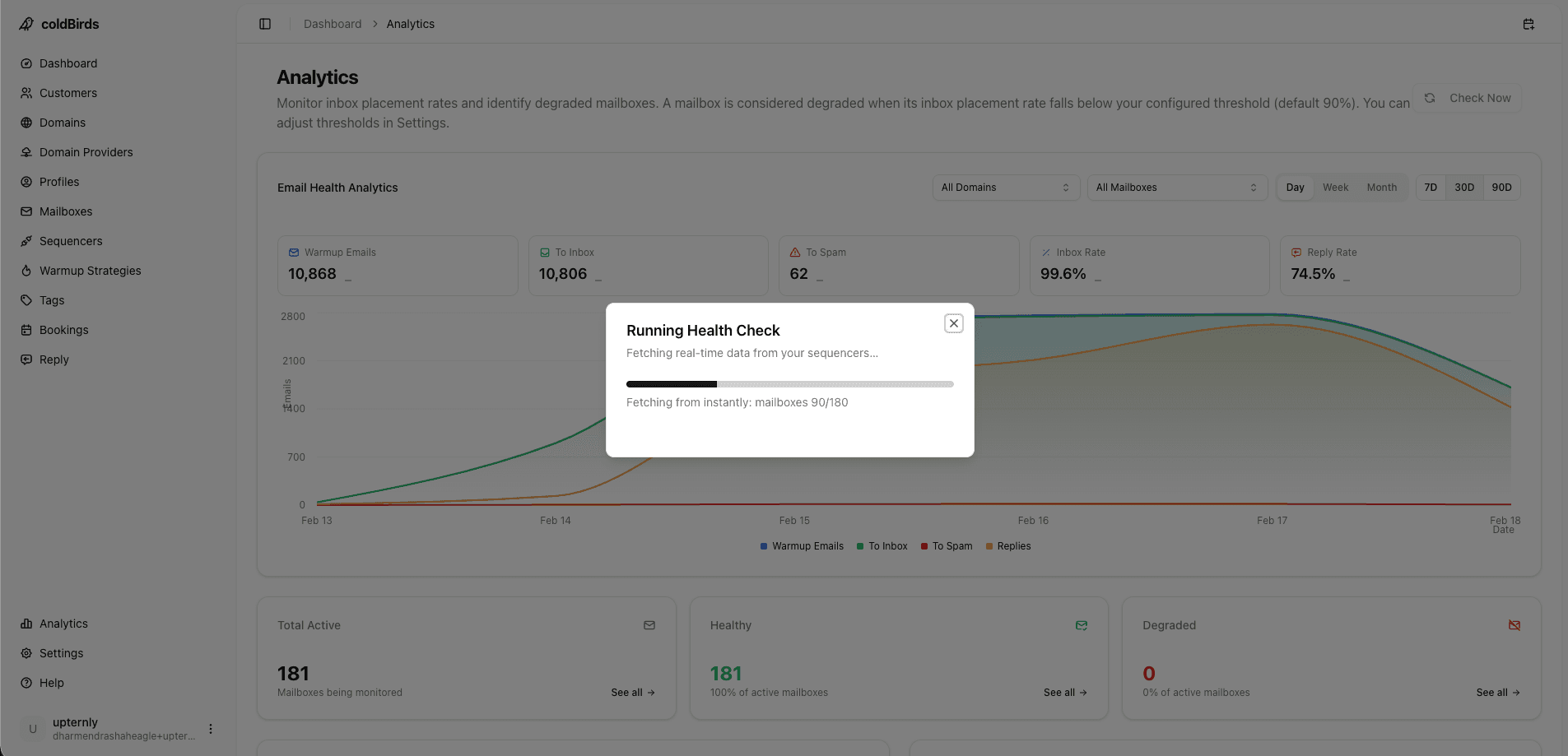
At 30 clients, manual monitoring is impossible. You need:
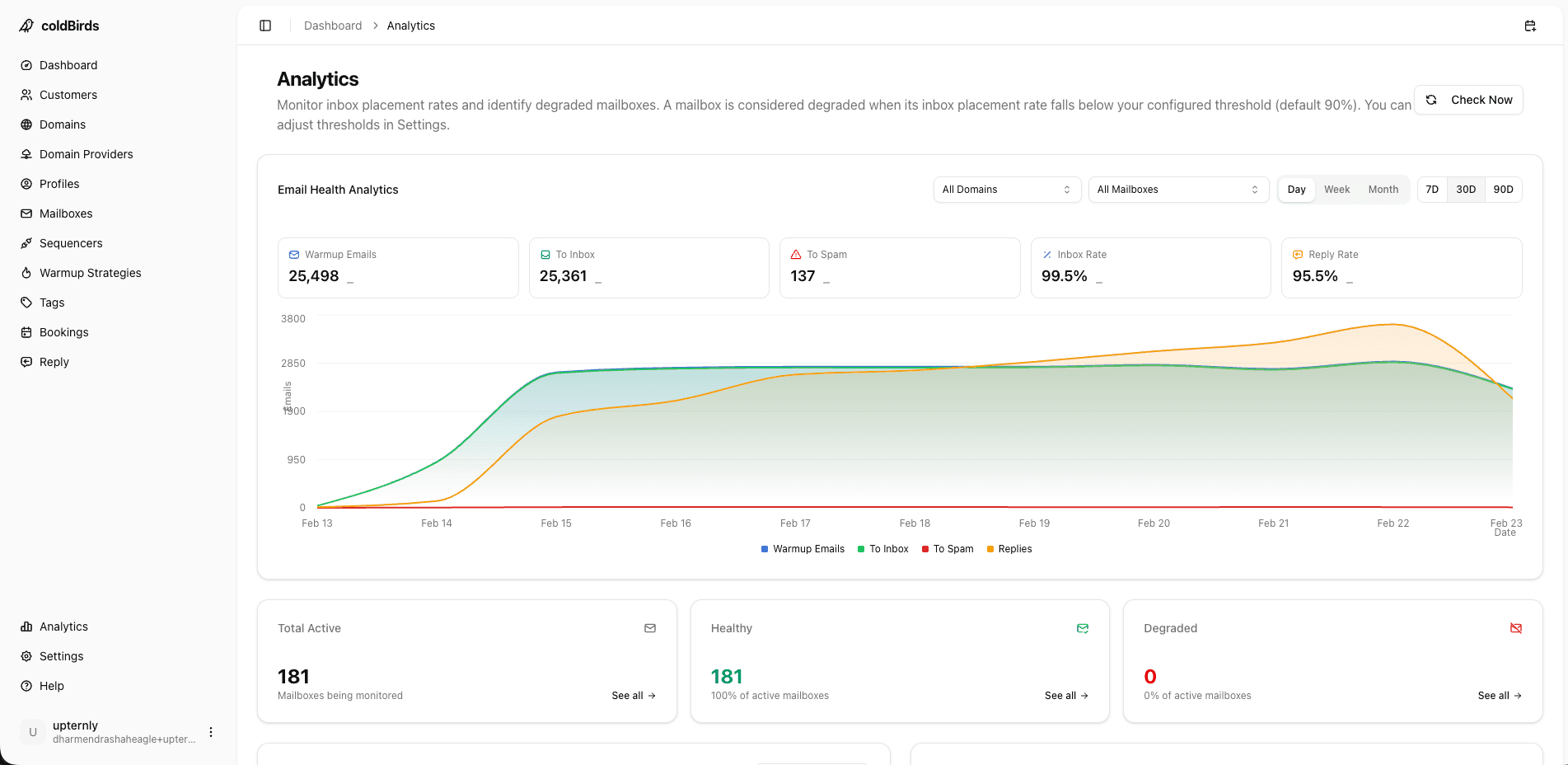
Fleet-level dashboard: One view showing every client's domains, all-green or all-red. Any red item surfaces to the top and demands attention. You should be able to see all 30 clients in one glance and instantly identify problems.
Automated alerts: When a client's mailbox hits a degradation threshold, you get a notification. But ideally, the platform auto-suspends the mailbox before notifying you — so the alert is informational, not an emergency.
Client-level drill-down: Click any client to see per-domain, per-mailbox health. Warmup progress, inbox placement rate, blacklist status, recent send volume.
Weekly reporting: Exportable per-client deliverability reports. This is your proof of value in the client relationship — without data, you're just saying "we're on top of it."
Weekly reporting: Exportable per-client deliverability reports. This is your proof of value in the client relationship — without data, you're just saying "we're on top of it."
Compliance Requirements for Agency Infrastructure
If your agency serves clients in regulated industries or sends into the EU, infrastructure compliance is not optional.
For EU-based agencies or campaigns targeting EU prospects (Lena's world):
- Your infrastructure provider must offer a signed GDPR Data Processing Agreement (DPA)
- Prospects have a right to erasure — your infrastructure must support mailbox-level data export and deletion
- Document your legal basis for processing (legitimate interest is most common for B2B cold email)
- EU data residency is preferable: data stored and processed within the EEA
For healthcare, finance, or compliance-sensitive verticals:
- Ask your infrastructure provider for their SOC 2 Type II audit report before onboarding. Without it, your clients in these industries cannot approve your stack during their security reviews.
- Maintain an audit trail of mailbox provisioning, access events, and data handling — required for enterprise client contracts.
If a prospective client asks "Do you have SOC 2 compliance for your infrastructure tools?" and you can't answer yes, you lose the deal. Choose infrastructure providers that can answer yes for you.
White-Labeling and API Access for Scale
For agencies at 800+ mailboxes managing 25+ clients, the platform needs to disappear behind your brand:
White-labeling: The client-facing portal shows your logo. Deliverability reports export with your agency name. Clients never see the infrastructure provider's name, pricing page, or branding. This protects your margin and positions the infrastructure as your proprietary capability.
API-driven provisioning (relevant for technical agencies and AI-SDR startups): For agencies building custom workflows or embedding provisioning into their own tools, REST API access is critical. Programmatic mailbox creation, DNS verification queries, health status webhooks, and sequencer connection endpoints let you build custom onboarding flows without touching the dashboard.
If you manage 25+ clients, API-driven provisioning cuts new client setup time from 30 minutes to 30 seconds. One API call creates the client record, provisions domains, starts warmup, and connects the sequencer.
5 Infrastructure Mistakes That Kill Agency Margins
1. Reusing mailboxes between clients — Even once. Cross-contamination risk is too high. Every client gets fresh accounts.
2. Sharing warmup networks across clients — Some cheap warmup tools pool all your accounts in one network. Client A's warmup emails go to Client B's mailboxes. One client's spam complaints affect everyone.
3. Not separating DNS by client — All clients' domains managed in one registrar account with the same DNS settings. One account ban or domain issue cascades unnecessarily.
4. Skipping the re-warming step — Client pauses their campaign for 6 weeks. You restart it at full volume. The mailboxes need re-warming (7–10 days) but you skip it. Inbox rates crater.
5. Charging too little to account for infrastructure — Many agencies undercharge because they don't account for infrastructure costs in their pricing. Check: are you charging enough to cover $100–$200/client/month in infrastructure costs plus management time?
How to Price Infrastructure in Agency Retainers
Infrastructure is a cost of goods sold item. It belongs in your COGS, not absorbed into your margin.
Typical infrastructure cost per client (using a managed platform):
- Platform cost portion: ~$50–80/client/month
- Domain costs: ~$5/client/month amortized
- Your management time: ~$20–40/client/month
- Total COGS: ~$75–125/client/month
If you're charging $2,000–$5,000/month retainers, infrastructure COGS at $125/month = 2.5–6.25% of revenue. That's a healthy margin with defined cost structure.
If you're manually managing infrastructure without a platform, your true COGS (including time) is $300–600/client/month — eating 6–30% of your retainer before campaign work begins.
Key Takeaways
- Every client needs completely isolated infrastructure: separate domains, mailboxes, and IPs
- 1:1:1:3 IP isolation (1 IP per 3 mailboxes) limits blast radius to 3 mailboxes per incident
- Manual management of 30 clients costs 10–15 hrs/week — use automation to recapture that time
- Client onboarding should take hours, not weeks — auto DNS, auto provisioning, bulk warmup makes this possible
- White-labeling is required for professional agency delivery — clients should see your brand
- Fleet-level monitoring with auto-suspend is the only way to manage 30+ clients without full-time infra staff
- Price infrastructure into your COGS properly — it's not free operational overhead
See also: Cold Email Infrastructure Tools: The Complete Stack | How to Monitor and Optimize Cold Email Infrastructure | Scaling from 50 to 500 Mailboxes
coldBirds was built for agencies. 1:1:1:3 isolation, per-client dashboards, bulk warmup, auto-suspend, and a dedicated VA for every account — so you can run 30 clients without a dedicated infra team.
Start Free with 20 Isolated Mailboxes →