

Cold Email Infrastructure Tools: The Complete Stack for 2026
A cold email campaign needs more than a good sequencer and a list of prospects. Between your data provider and your inbox lies a complete technical stack — and every layer in that stack can be the reason your emails reach the inbox or disappear into spam.
This guide maps out every tool category in the cold email infrastructure stack with specific recommendations for what to use at each layer.
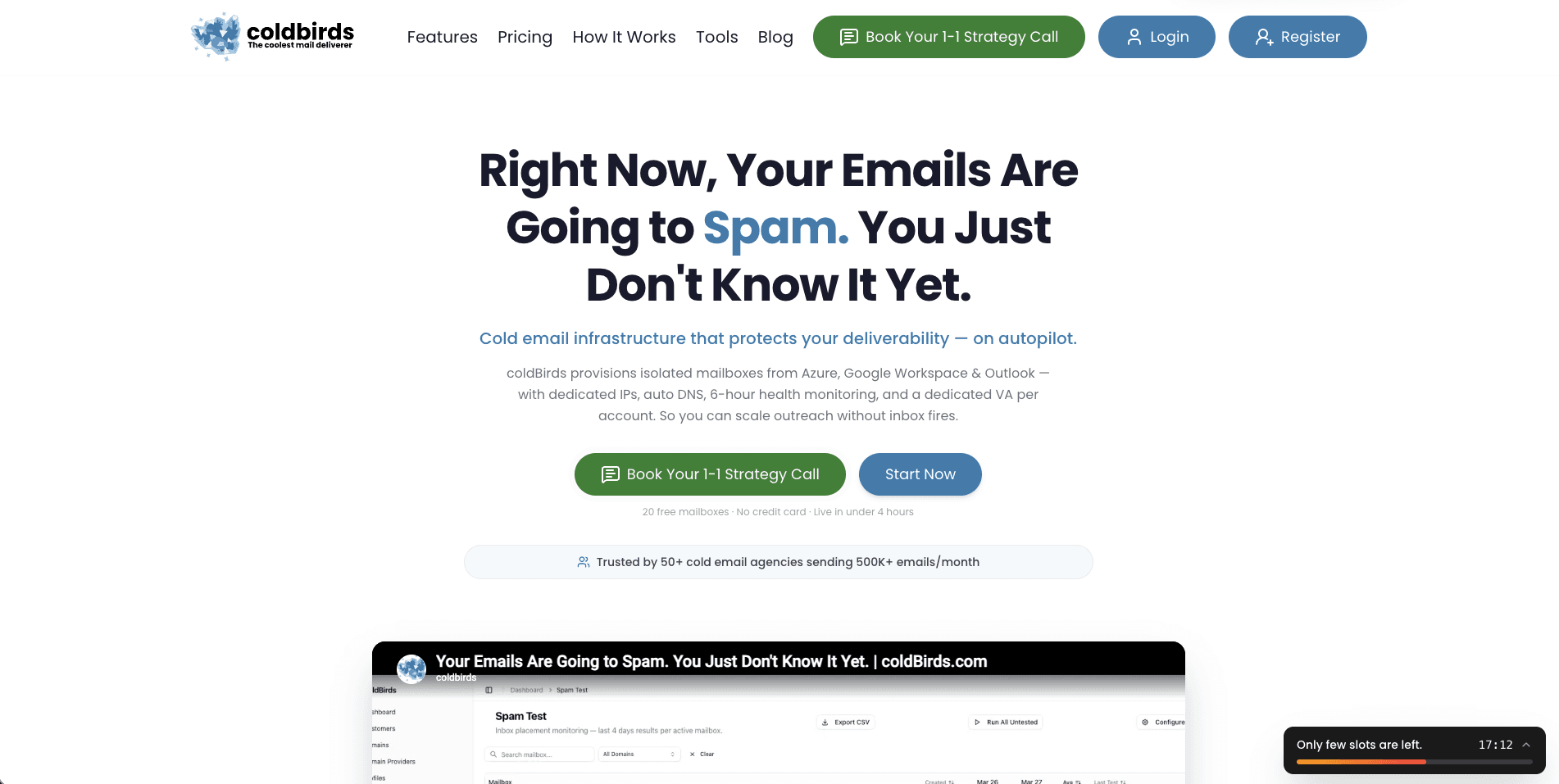
The Cold Email Infrastructure Stack: 7 Layers
| Layer | Purpose | Tools |
|---|---|---|
| 1. Domain registration | Buy and manage sending domains | Namecheap, GoDaddy, Cloudflare Registrar |
| 2. Mailbox provisioning | Create sending email accounts | Google Workspace, Microsoft 365 |
| 3. DNS authentication | Configure SPF, DKIM, DMARC | Auto-config (coldBirds), MXToolbox, manual DNS editors |
| 4. Email warmup | Build sender reputation on new mailboxes | Built-in platforms, Lemwarm, Warmup Inbox |
| 5. Health monitoring | Detect deliverability degradation | Google Postmaster Tools, Microsoft SNDS, platform dashboards |
| 6. Sequencer | Send campaigns, manage follow-ups | Instantly, Smartlead, PlusVibe, Email Bison |
| 7. Reply management | Handle positive responses, book meetings | Unified inboxes, meeting booking integrations |
Layer 1: Domain Registration Tools
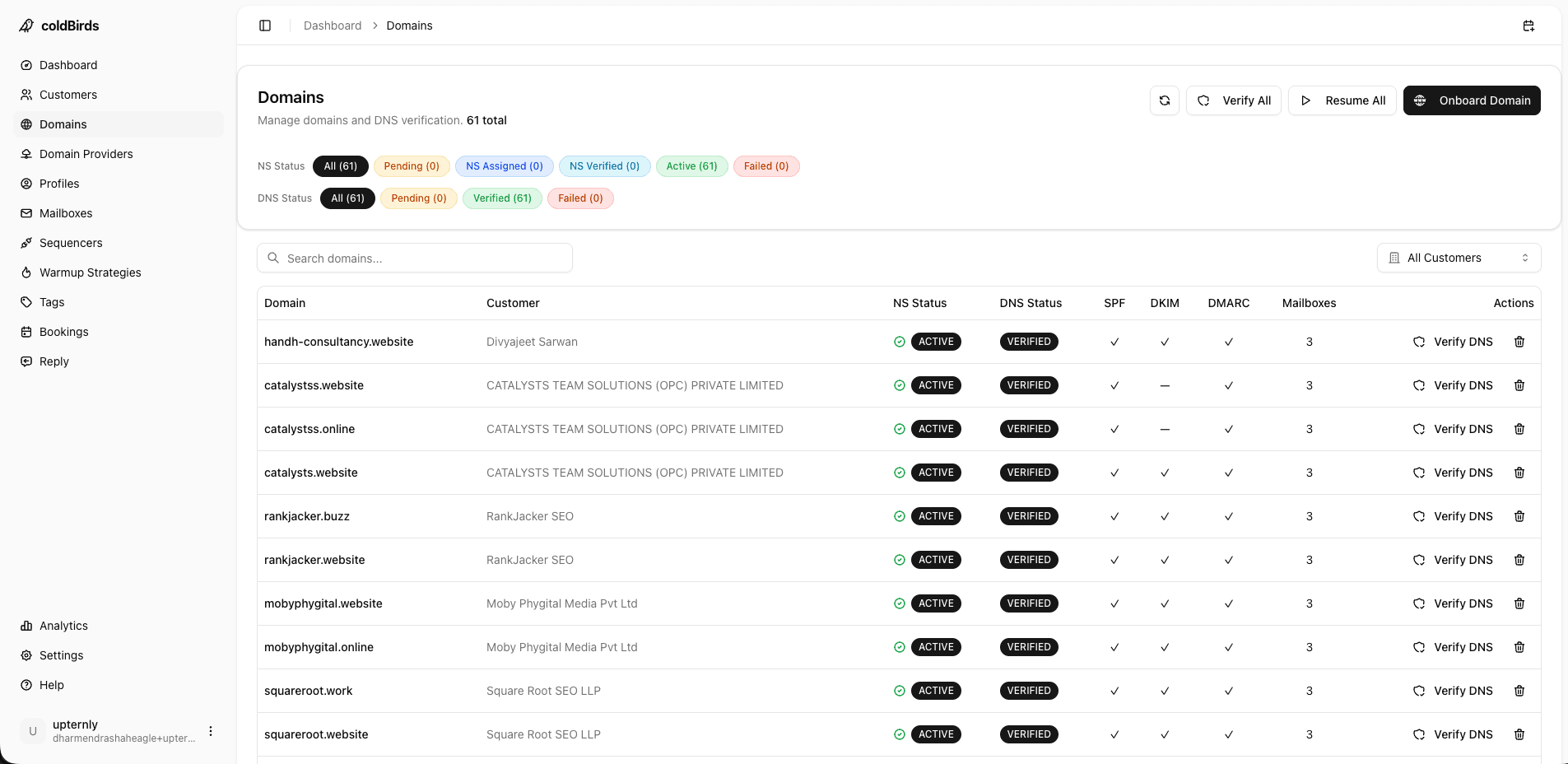
Your sending domains are the foundation of everything else. Best practices:
- Never use your primary company domain for cold outreach — risk of blacklisting your main brand
- Register 3–5 domains per client for agency work (reduces risk per domain)
- Buy domain variations that point back to your primary:
getyourcompany.com,yourcompanyhq.com,yourcompanyteam.com - Enable automatic domain renewal to prevent accidental expiry (which destroys reputation)
Recommended registrars:
- Namecheap — Low cost ($8–12/year), free DNS management, good API for bulk registration
- Cloudflare Registrar — At-cost pricing (~$8–9/year), fastest DNS propagation, free DNSSEC
- GoDaddy — Higher price but good bulk management tools for agencies managing 50+ domains
Buy .com domains when possible. Country-code TLDs (.co, .io) have lower trust scores with inbox providers and typically 10–15% lower inbox placement rates.
Layer 2: Mailbox Provisioning
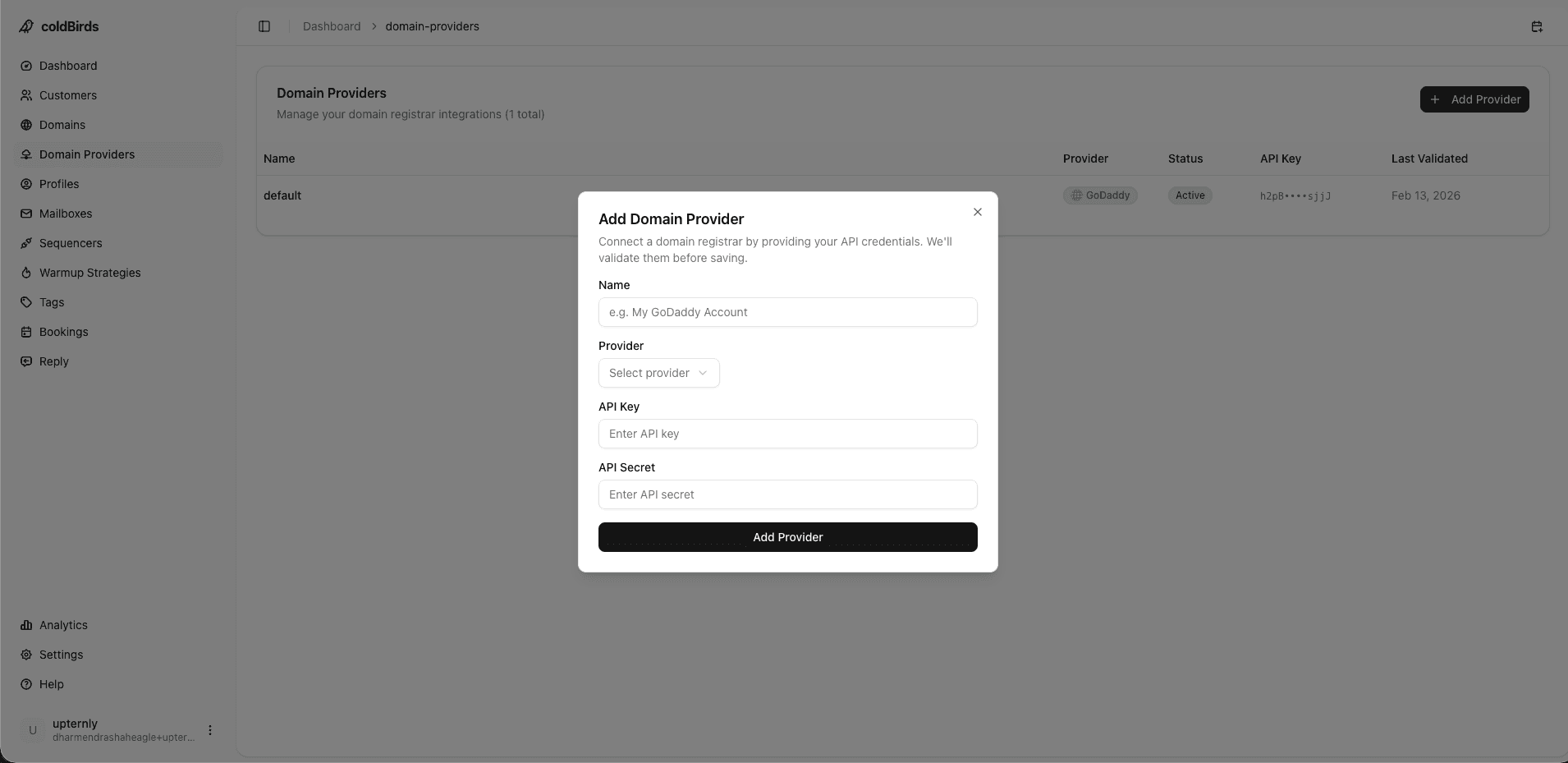
All cold email sending today uses real mailbox accounts — not custom SMTP servers. The two dominant providers are:
Google Workspace (Gmail)
- Cost: $6–$8.40/mailbox/month (Starter or Business Starter plan)
- Deliverability: Excellent — Gmail to Gmail delivery especially strong
- Limitation: Google actively restricts accounts suspected of bulk sending; account bans are common without proper warmup
- Ideal for: US/global B2B outreach, especially targeting Gmail-heavy orgs
Microsoft 365 (Outlook)
- Cost: $6/mailbox/month (Business Basic plan)
- Deliverability: Excellent for Microsoft-heavy orgs (.edu, enterprise, government)
- Limitation: Stricter rate limits (30 emails/minute by default)
- Ideal for: Enterprise, government, and healthcare targets
| Feature | Google Workspace | Microsoft 365 |
|---|---|---|
| Monthly cost | $6–$8.40/mailbox | $6/mailbox |
| Deliverability to Gmail targets | ✅ Excellent | ⚠️ Good |
| Deliverability to Outlook targets | ⚠️ Good | ✅ Excellent |
| Sending rate limit | 2,000 emails/day | 10,000 emails/day* |
| Account ban risk | Higher (stricter enforcement) | Lower (less aggressive) |
| API / Automation support | Strong (Google APIs) | Strong (MS Graph) |
| Best for | Most campaigns | Enterprise, .edu, government targets |
*Microsoft's default send limits are higher, but bulk cold email can still trigger restrictions.
Layer 3: DNS Authentication Tools
Three DNS records are mandatory. Missing or misconfigured records result in immediate inbox filtering.
SPF (Sender Policy Framework) Specifies which IP addresses are authorized to send email on behalf of your domain.
v=spf1 include:_spf.google.com ~all
DKIM (DomainKeys Identified Mail) Adds a cryptographic signature to prove email wasn't altered in transit. Generated in your email provider's admin console.
DMARC (Domain-based Message Authentication, Reporting & Conformance) Tells receiving servers what to do when SPF or DKIM authentication fails.
v=DMARC1; p=quarantine; rua=mailto:dmarc@yourdomain.com
Tools for DNS verification:
- MXToolbox — Free SPF, DKIM, DMARC checker
- dnschecker.org — Real-time DNS propagation checker
- Google's SPF record checker — Official Google verification
40% of cold email senders have at least one DNS misconfiguration. Check all three records before any campaign launch. One broken record can cut inbox placement by 30–50%.
Layer 4: Email Warmup Tools
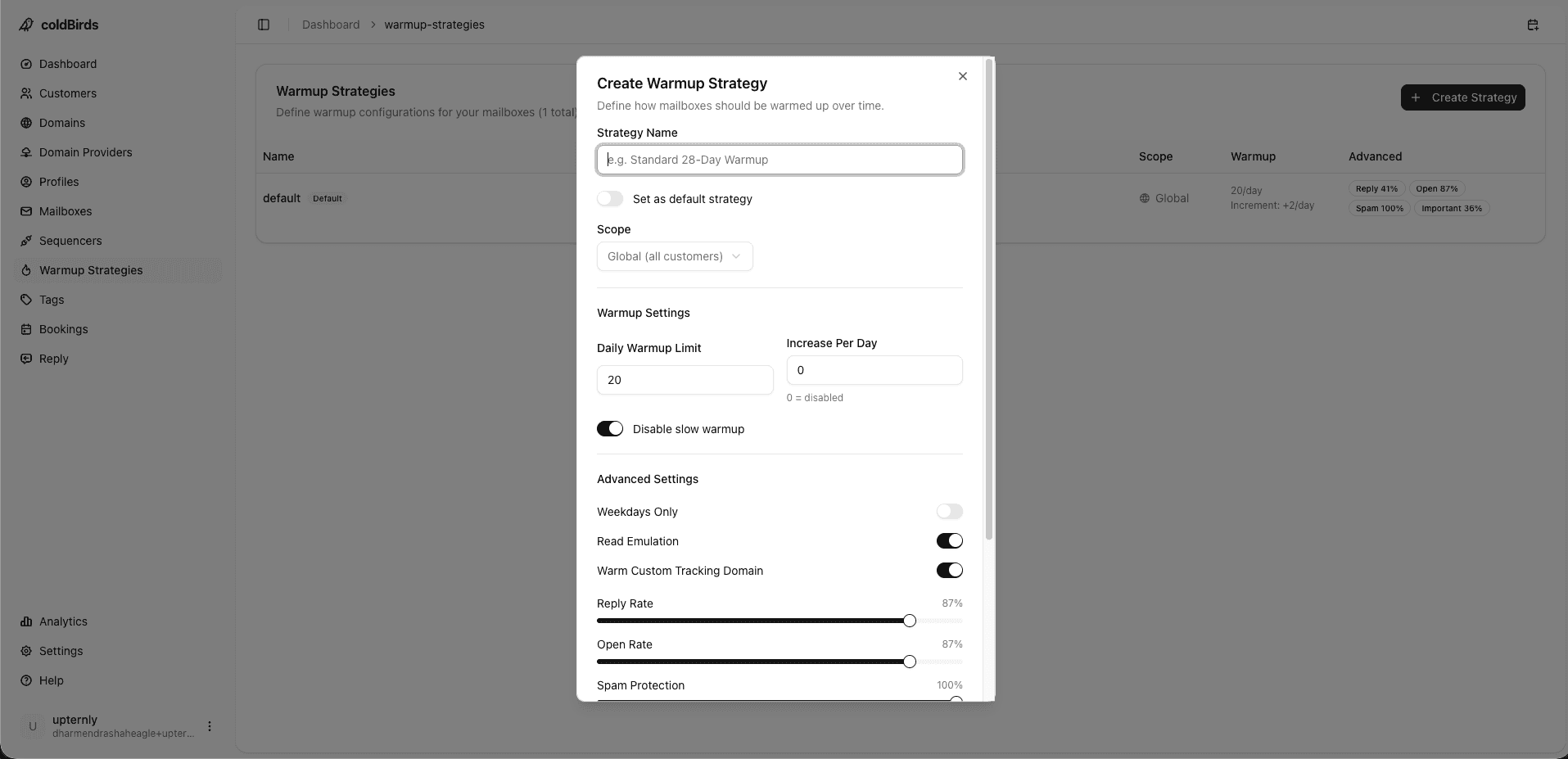
New mailboxes need 14–28 days of warmup before bulk sending. Warmup tools send low-volume conversations between accounts in a network, generating positive engagement signals.
What warmup tools do:
- Send email between registered mailboxes in a warmup network
- Automatically mark emails as "not spam" and reply to them
- Gradually increase volume to build sending history
- Build positive engagement ratios (opens, replies)
Types of warmup:
- Automated warmup — Dedicated warmup tool runs the process (Lemwarm, Warmup Inbox, Mailwarm)
- Integrated warmup — Sequencer-level warmup built into Instantly or Smartlead
- Platform warmup — Managed infrastructure platforms that apply warmup automatically to all provisioned mailboxes
The fastest warmup approach is bulk warmup — warming all mailboxes simultaneously before any campaign sends. Platforms like coldBirds apply warmup to all provisioned mailboxes at once, cutting setup time from weeks to days.
Warmup timeline (2026 recommended schedule):
- Days 1–7: 5–10 emails/day, 80% warmup / 20% cold
- Days 8–14: 15–25 emails/day, 60% warmup / 40% cold
- Days 15–21: 30–40 emails/day, 40% warmup / 60% cold
- Days 22–28: 40–50 emails/day, production-ready
Layer 5: Health Monitoring Tools
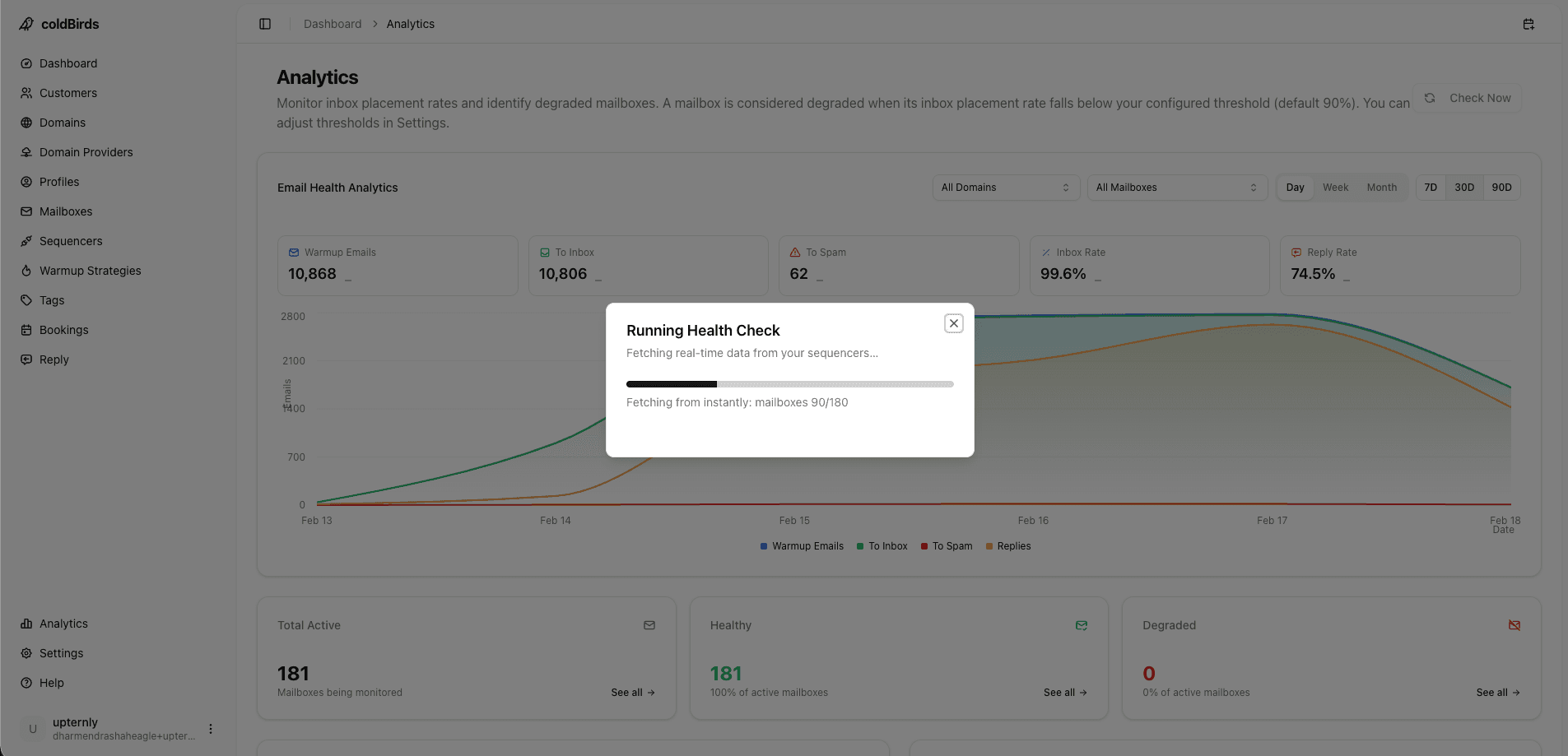
Deliverability monitoring is the most underinvested layer in most teams' stacks. Without monitoring, you discover problems through declining reply rates — weeks after the damage has compounded.
Free monitoring tools:
- Google Postmaster Tools — Domain reputation, IP reputation, spam rate, delivery errors. Free, but only covers Gmail (60%+ of inboxes)
- Microsoft SNDS — Similar data for Outlook/Microsoft. Free.
- MXToolbox Blacklist Check — Checks against 100+ blacklists. Run this weekly.
Platform monitoring (recommended): Dedicated infrastructure platforms check mailbox health every 6 hours and auto-suspend degraded mailboxes before damage compounds. This is fundamentally different from checking Postmaster Tools once a week.
| Monitoring Approach | Check Frequency | Auto-Action | Cost |
|---|---|---|---|
| Google Postmaster Tools | Manual, when you remember | None | Free |
| Weekly blacklist check | Once/week | None | Free |
| Sequencer inbox tests | Per-campaign | None | Included |
| Platform auto-monitoring | Every 6 hours | Auto-suspend | Included in platform |
Layer 6: Email Sequencer Tools
The sequencer is the tool that actually sends emails and manages follow-up sequences. Infrastructure connects to the sequencer as a relay — the sequencer doesn't replace infrastructure.
Top sequencers for cold email (2026):
- Instantly — Best for agencies; strong deliverability tracking, unlimited mailboxes on paid plans
- Smartlead — Excellent rotation features, good for high-volume campaigns
- PlusVibe — Emerging; good AI personalization features
- Email Bison — Lower cost, good for solo operators and small teams
- Outreach / Salesloft — Enterprise-grade; require IT integration; strong CRM connectivity
Your infrastructure should not be tied to a single sequencer. If you switch sequencers, you shouldn't have to re-provision all your mailboxes. Choose infrastructure that integrates with multiple sequencers.
Layer 7: Reply Management Tools
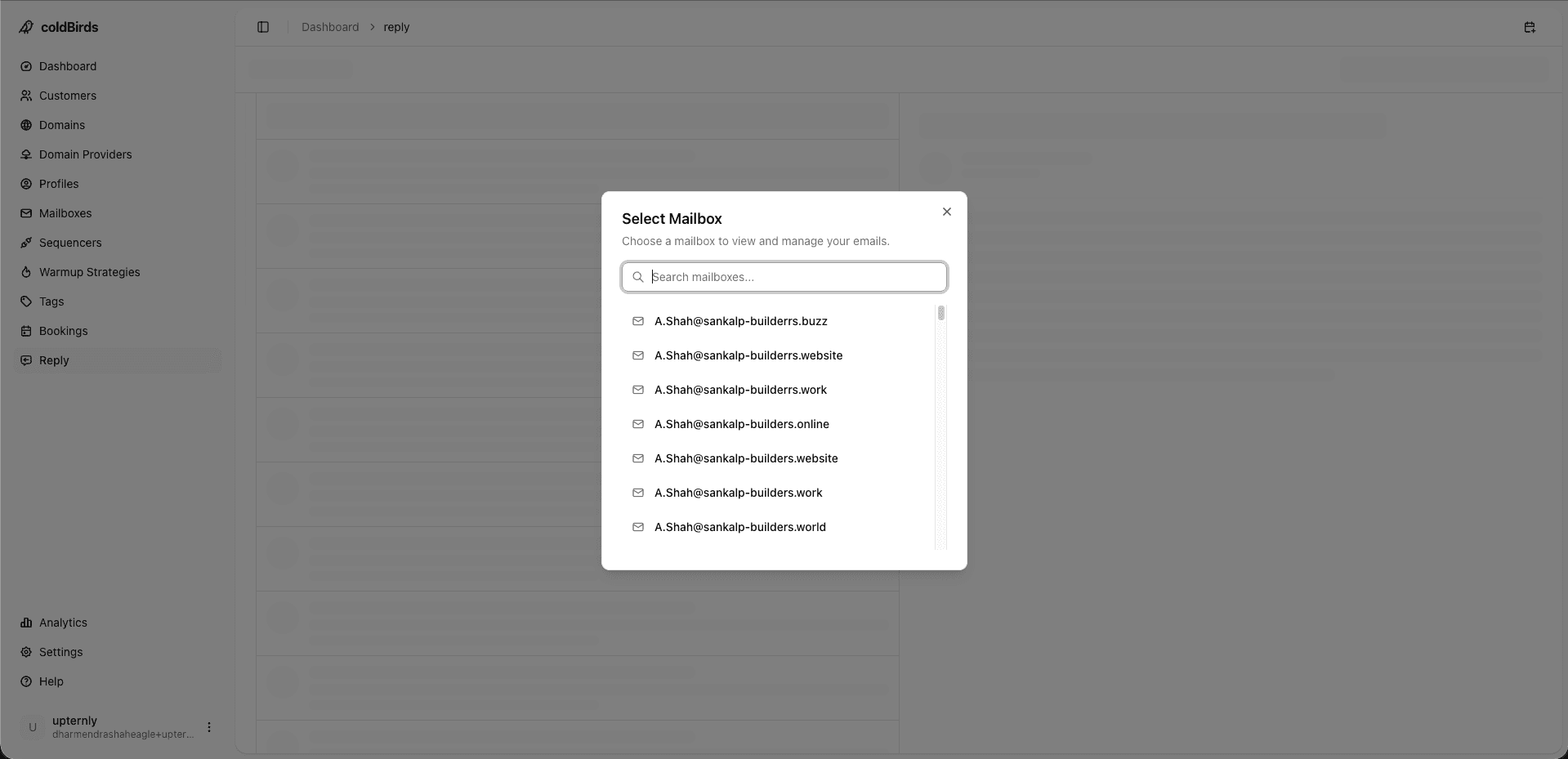
When campaigns generate replies — from interested prospects to unsubscribes to auto-replies — you need a system to handle them at scale.
For agencies managing 30+ clients, this means:
- Unified inbox that aggregates replies across all client domains
- Automated categorization (interested / not interested / unsubscribe / out of office)
- Routing rules to notify the right client rep for hot leads
- Meeting booking via calendar link (ICS invites or Calendly integration)
Compliance and GDPR Tools
For teams in regulated industries or sending into the EU, compliance tooling is a required layer on top of the standard stack:
CAN-SPAM compliance (all US senders):
- Your sequencer must support physical address and one-click unsubscribe in every email
- Instantly, Smartlead, and most major sequencers handle this natively
- Verify: test a sent email to confirm the unsubscribe link actually removes the address
GDPR compliance tools (EU senders or targeting EU prospects):
- GDPR.eu — Free templates for legitimate interest assessments and prospect consent documentation
- Consent records — Document your legal basis for each prospect list; store with campaign metadata
- Suppression lists — Every removed prospect must be maintained in a suppression list so they're never re-added from a new list import
- DPA with your infrastructure provider — Required under GDPR Article 28; ask for the provider's standard DPA template before signing
SOC 2 and enterprise compliance:
- Vanta / Drata — Compliance automation tools if you're pursuing SOC 2 for your own agency
- For tools you purchase, ask for their SOC 2 Type II report. Absent this, enterprise and healthcare clients cannot approve your tool stack.
For healthcare-adjacent outreach (medical device companies, hospital staffing), cold email must not touch any PHI (Protected Health Information). If there's any doubt, consult a compliance attorney before launching. Infrastructure platforms are not liable for your campaign content — that's on you.
API and Developer Tools
For technical teams building custom workflows or embedding cold email infrastructure into their products:
- REST API access — Programmatic mailbox provisioning, status queries, health check results, and suspension triggers
- Webhook events — Real-time notifications for mailbox health state changes, warmup milestones, and auto-suspend events
- SDK / client libraries — Language-specific wrappers (Node.js, Python, Go) that simplify API consumption
- Sandbox environment — Test provisioning and automation flows without consuming production resources
Platforms that offer full API access let you build custom onboarding flows, integrate deliverability data into your own dashboards, and automate the entire client setup process programmatically.
All-in-One Platform vs. Best-of-Breed Stack
| Approach | Pros | Cons | Best For |
|---|---|---|---|
| DIY best-of-breed stack | Control over each tool choice | 5–7 tools to manage, high integration overhead, $2K+/mo | Technical teams with time to invest |
| Partial platform (sequencer + separate infra) | Good sequencer features | Still need to manage infra separately | Teams already locked into a sequencer |
| Full-stack managed platform | One dashboard, auto-DNS, auto-warmup, auto-monitoring | Less control over individual layers | Agencies, growth teams, solo operators |
The tool sprawl of a fully DIY stack — 7 different tools, 7 invoices, 7 sets of API credentials — is the primary reason agencies hit operational ceilings. Every tool hand-off is a potential failure point.
Key Takeaways
- A complete cold email infrastructure stack has 7 layers: domains, mailboxes, DNS, warmup, monitoring, sequencer, reply management
- Use 3–5 sending domains per client — never your primary company domain
- Google Workspace and Microsoft 365 are the only mailbox providers that deliver at scale in 2026
- All three DNS records (SPF, DKIM, DMARC) are mandatory — verify with MXToolbox before every campaign
- Warmup takes 14–28 days; skip it and fail immediately
- Health monitoring every 6 hours with auto-suspend is the difference between catching problems and discovering them too late
- Full-stack managed platforms eliminate tool sprawl and reduce operational overhead from 20 hrs/week to under an hour
For the full comparison of infrastructure providers, see Top Cold Email Infrastructure Providers Compared. For how to set up the stack step by step, see How to Set Up a Scalable Cold Email Infrastructure.
Seven tools become one. coldBirds handles domains, DNS, warmup, monitoring, sequencer integration, and reply management from a single dashboard.
Start Free with 20 Isolated Mailboxes →