

How to Set Up a Scalable Cold Email Infrastructure
Most cold email infrastructure setups are built for today. The domain you registered, the 10 mailboxes you configured, the warmup you started manually — they work for your current volume. Then you sign three new clients or double your SDR team, and the whole system strains under the load.
Scalable infrastructure is built differently from the start. This guide shows you the architecture decisions that support 10 mailboxes as cleanly as they support 1,000.
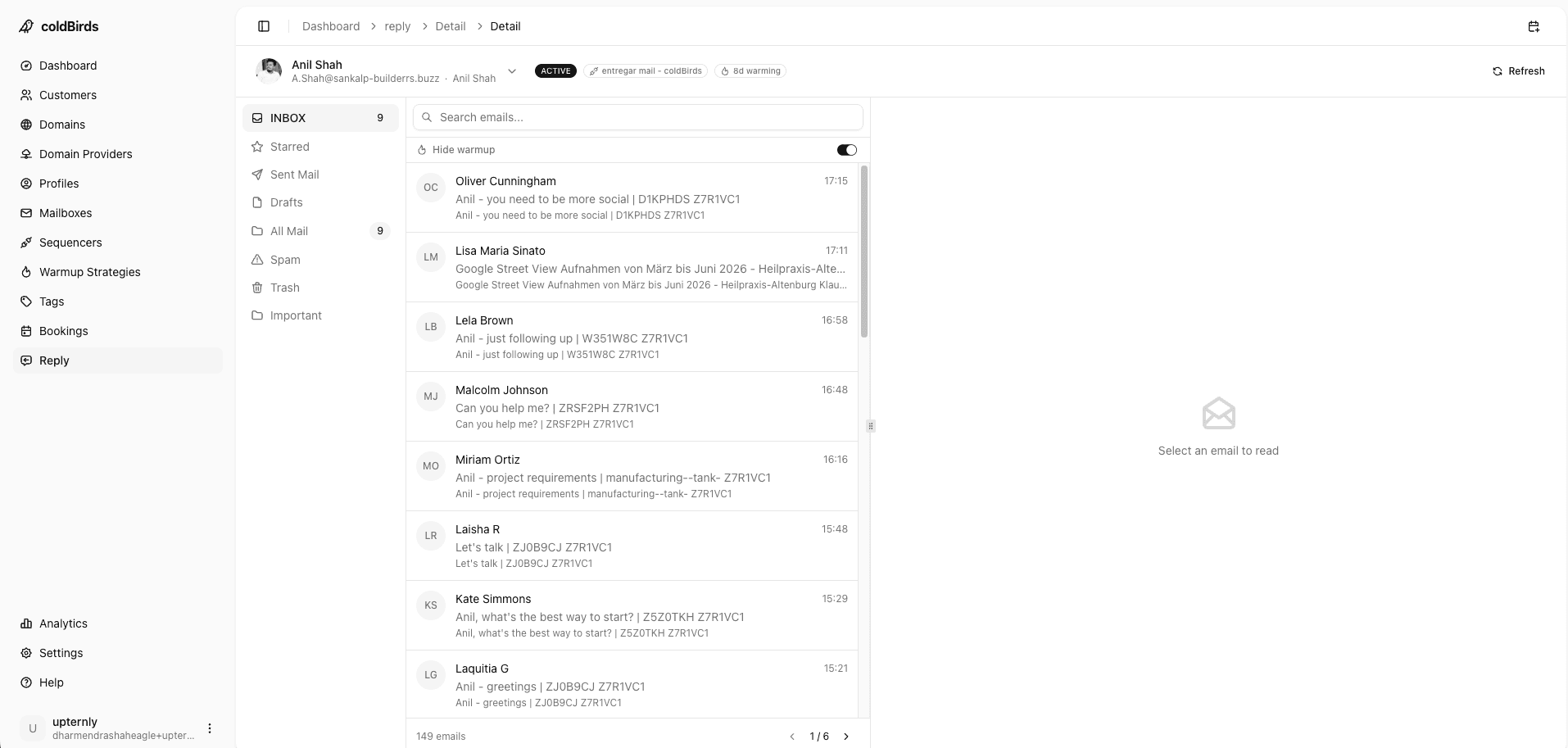
The 3 Principles of Scalable Cold Email Infrastructure
Principle 1: Isolation by design — Every client, every team, every sending group must be completely isolated from every other. Isolation prevents blast radius, enables independent scaling, and makes client offboarding clean.
Principle 2: Automation over manual — Any step that requires human action to provision, configure, warm up, or monitor is a scaling bottleneck. Every manual step needs to become automated before you hit the next growth tier.
Principle 3: Monitoring before problems — At scale, reactive monitoring (you notice reply rates dropping) costs days of recovery. Proactive monitoring (the platform auto-suspends before the damage compounds) costs nothing extra and prevents crises.
New to cold email infrastructure? If you're a solo operator or just starting out, you don't need to implement everything in this guide on day one. Start with Step 1 (architecture decisions) and Step 2 (automated provisioning). The rest — monitoring at scale, team operations, API workflows — becomes relevant when you cross 50 mailboxes. Build the right foundation now; the complexity can wait.
Step 1: Make the Right Architecture Decisions Early
Architecture decisions made at 10 mailboxes constrain what's possible at 1,000. Get these right from day one:
Domain Architecture
Wrong approach: One domain, several mailboxes sharing it, all campaigns run from the same domain.
Right approach: Sending domain hierarchy that scales with your client or team count:
- 1 primary domain (never used for outreach)
- 3–5 sending domains per client/team
- 2–3 mailboxes per sending domain
- Automatic domain registration and renewal
Why it scales: Adding a new client means adding a new domain group — a clean, isolated unit. The existing infrastructure is untouched.
IP Architecture
Wrong approach: Shared IP pool managed by your provider. All mailboxes in one IP range.
Right approach: 1 dedicated IP per 3 mailboxes. When mailbox 1 of a 3-mailbox set degrades, only those 3 mailboxes are affected. The other 997 mailboxes in your fleet continue without interruption.
This is the difference between a deliverability incident being an inconvenience (replace 3 mailboxes) vs. a crisis (your entire infrastructure is compromised).
Why it scales: Blast radius stays constant at 3 mailboxes regardless of how large your fleet grows. The isolation model doesn't degrade with volume.
DNS Architecture
Wrong approach: Manual DNS entry per domain. Each new domain requires opening the DNS editor, copying templates, entering records, waiting for propagation, then verifying.
Right approach: Automated DNS configuration on every provisioned domain. New domain = SPF, DKIM, DMARC automatically configured within minutes.
Why it scales: At 5 clients (15–25 domains), manual DNS is annoying. At 30 clients (90–150 domains), it's a full-time job. Automated DNS makes domain count irrelevant to your operational overhead.
Step 2: Build an Automated Provisioning Workflow
The provisioning workflow is the sequence of steps that occurs when you add a new client or new campaign unit. In a scalable setup, this workflow is mostly automated:
Manual provisioning workflow (3–8 hours per client):
- Register 3–5 domains manually in your registrar (20 min each)
- Create Google Workspace account for each domain (30 min each)
- Add mailboxes to each workspace (15 min each)
- Copy DNS records from templates, enter in registrar (20 min per domain)
- Verify DNS propagation with MXToolbox (10 min per domain)
- Connect warmup tool, configure per-mailbox settings (15 min each)
- Connect sequencer, configure rotation settings (30 min)
- Wait 14–28 days for warmup, monitoring manually
Estimated time: 5–8 hours per client. For 30 clients, that's 150–240 hours of setup time, plus 10–20 hours/week ongoing.
Automated provisioning workflow (minutes per client):
- Enter client name and mailbox count in platform
- Platform registers domains (automated)
- Platform provisions mailboxes on GWS/M365 (automated)
- Platform configures DNS on all domains (automated)
- Platform starts bulk warmup on all mailboxes simultaneously (automated)
- Platform connects to sequencer via API key (5 min)
- Warmup runs automatically, 14–28 days
Automated provisioning workflow (minutes per client):
- Enter client name and mailbox count in platform
- Platform registers domains (automated)
- Platform provisions mailboxes on GWS/M365 (automated)
- Platform configures DNS on all domains (automated)
- Platform starts bulk warmup on all mailboxes simultaneously (automated)
- Platform connects to sequencer via API key (5 min)
- Warmup runs automatically, 14–28 days
Estimated time: 15–30 minutes per client. Dashboard shows warmup progress automatically.
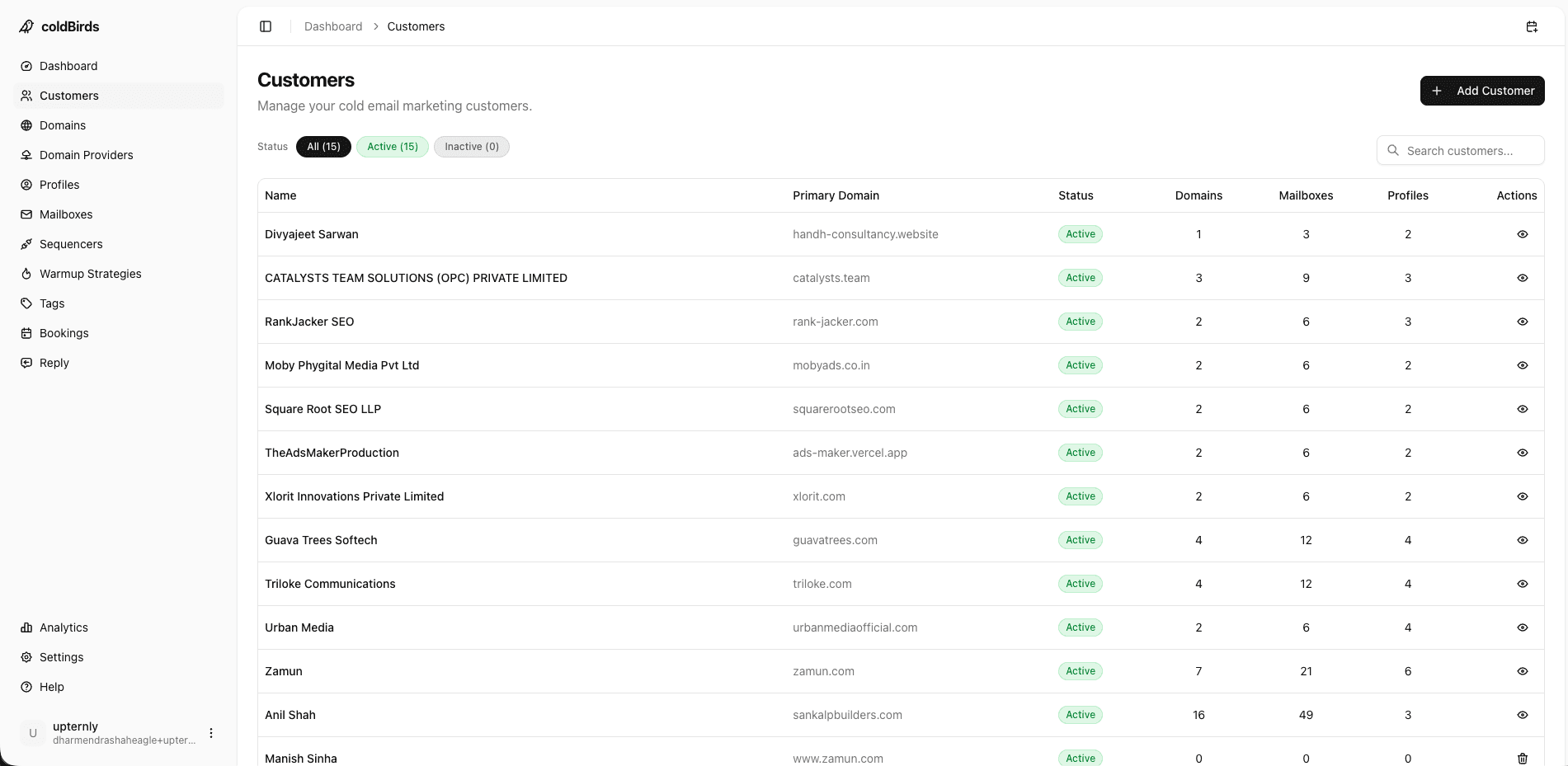
Step 3: Design Warmup for Volume
Warmup at scale requires a different approach than warmup for a single mailbox.
The problem with sequential warmup: If you warm up 10 mailboxes at a time (the typical approach with third-party warmup tools), onboarding a client with 15 mailboxes takes 6 weeks (2 weeks of warmup × 2 batches, plus overlap management).
Bulk warmup: Apply warmup to all mailboxes simultaneously. All 15 mailboxes warm up in parallel over 14–28 days. The entire client account is production-ready at the same time.
Warmup volume at scale (recommended schedule):
| Day Range | Emails/Day/Mailbox | Warmup % | Cold Campaign % |
|---|---|---|---|
| 1–5 | 5–10 | 90% | 10% |
| 6–10 | 15–20 | 70% | 30% |
| 11–15 | 25–30 | 50% | 50% |
| 16–20 | 35–40 | 30% | 70% |
| 21–28 | 45–50 | 10% | 90% |
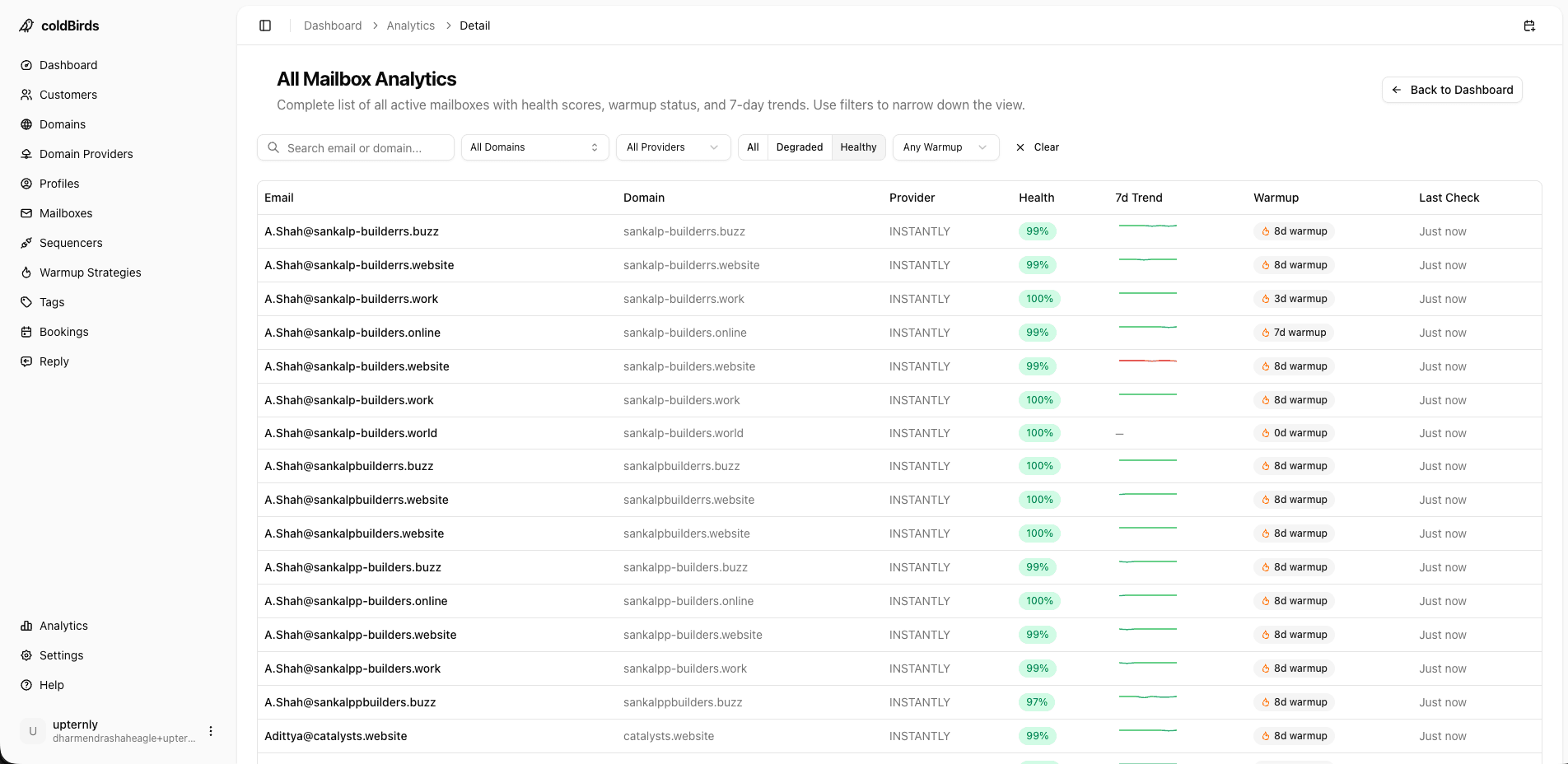
Warmup network quality: Use an isolated warmup network — not a pool shared across all customers. Shared warmup pools mean one customer's spam complaints affect your warmup deliverability.
Step 4: Build Monitoring That Doesn't Require You
Monitoring at scale is an automated system, not a habit.
Manual monitoring at 300 mailboxes = 1 person's full-time job.
Scalable monitoring infrastructure:
Fleet health dashboard: Single view showing all clients, all domains. Red/yellow/green status. Any degraded item surfaces automatically. You see all 300 mailboxes in 30 seconds.
Automated threshold monitoring: Define acceptable inbox placement rates (e.g., 60% minimum). Any mailbox dropping below threshold triggers automatic suspension in the next 6-hour monitoring cycle.
Escalation logic: Auto-suspend happens first. Then an alert fires to notify you. By the time you read the alert, the mailbox is already suspended and the damage is contained.
Weekly fleet reports: Automated email/dashboard report showing fleet health summary, warmup progress per new client, and any incidents from the past week.
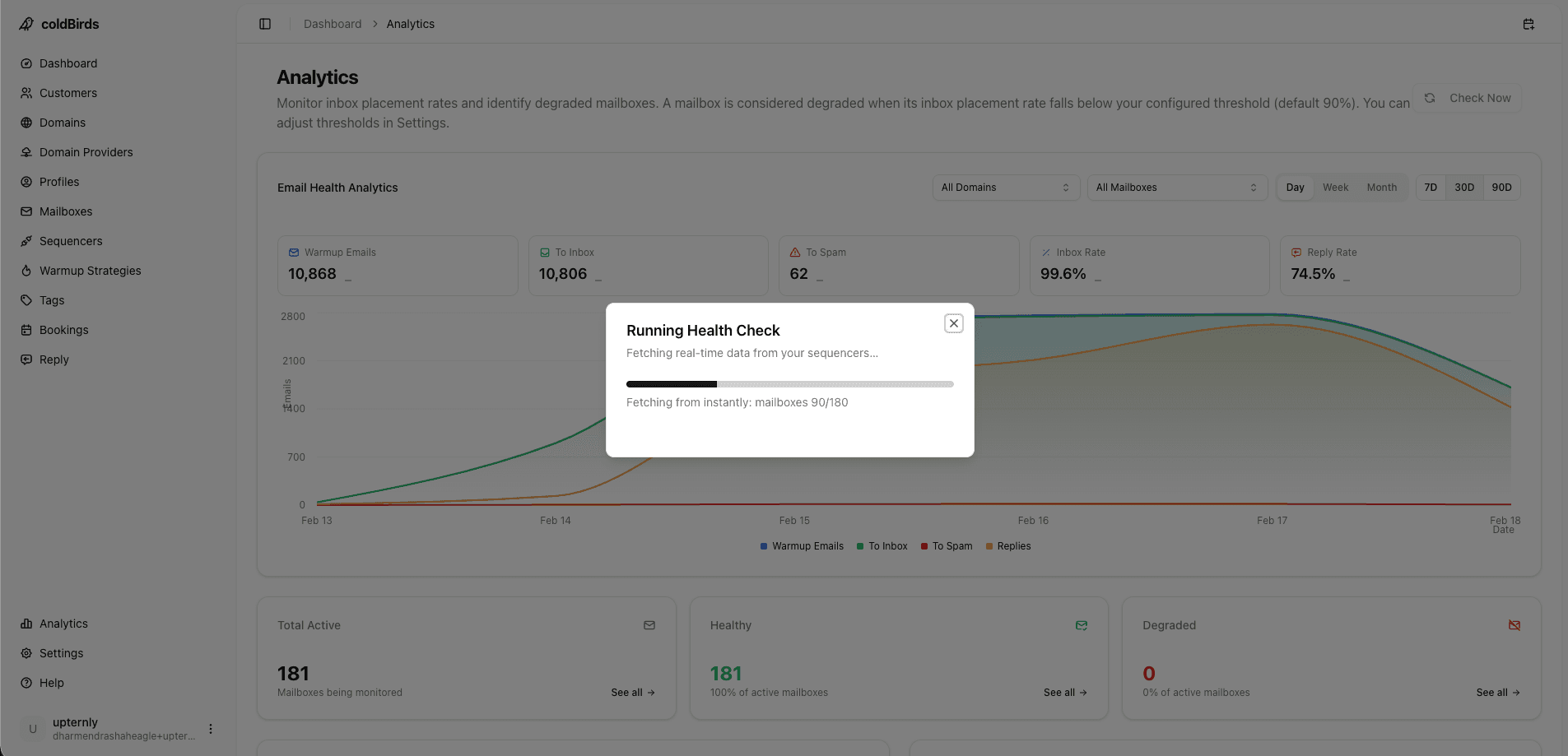
Do not build your monitoring on "I check Postmaster Tools every morning." At 10 clients, this breaks the moment you take a vacation. At 30 clients, it's the bottleneck on your growth.
Step 5: Sequencer Architecture for Scale
The sequencer is not infrastructure — but how you connect sequencers to infrastructure determines your flexibility as you scale.
Anti-pattern: All clients connected to one sequencer account. All rotation settings mixed together. One sequencer failure affects all clients.
Scalable pattern:
- Multiple sequencer accounts (one per client or one per campaign type)
- Infrastructure platform integrates with all sequencer accounts simultaneously
- Switching or adding sequencers doesn't require re-provisioning infrastructure
Sequencer limits to account for:
- Instantly: No mailbox limit on paid plans, but API rate limits apply
- Smartlead: Flexible mailbox rotation settings, good for high-volume
- Most sequencers have daily send limits per account that must be distributed across mailboxes
Rotation rules at scale: Ensure no single mailbox exceeds 40–50 emails/day. At 300 mailboxes, this limits you to 12,000–15,000 emails/day — a healthy ceiling that maintains reputation.
Compliance Setup at Scale
As your infrastructure scales, compliance requirements become more visible — especially if you're onboarding enterprise clients or serving EU-based prospects.
CAN-SPAM baseline (all senders):
- Physical address in every outgoing email sequence — verify this setting exists in every sequencer workspace
- One-click unsubscribe available (or soft opt-out via reply handling)
- Suppression list maintained across campaigns — opt-outs from campaign A must not receive campaign B
GDPR compliance for EU campaigns:
- Document your legal basis per prospect list before importing into any sequencer
- Signed DPA between your agency and your infrastructure provider — required under GDPR Article 28
- Data minimization: only store what's needed for the campaign (name, email, company)
- Right to erasure: be able to locate and delete a prospect's data within 30 days of a request
- EU data residency: prefer infrastructure providers with EU-region hosting options
SOC 2 readiness for enterprise onboarding:
- Maintain an inventory of all infrastructure tools with their compliance documentation (SOC 2 report, DPA, privacy policy)
- Enterprise clients in healthcare, finance, and regulated industries will request this during procurement
- If you can't produce the SOC 2 report for your infrastructure provider, you won't pass their security questionnaire
White-Label and API Setup for Scale
For agencies building a white-label infrastructure service:
- Confirm your platform supports custom branding before signing — not all do
- Request brand assets upload (logo, colors, domain for client portal)
- Set up client-facing subdomain (e.g.,
infra.youragency.com) that redirects to white-labeled dashboard - Configure report templates with your agency letterhead
- Document your service offering as "proprietary infrastructure" — never mention the underlying vendor to clients
For API-first teams provisioning programmatically:
- Get API credentials and review endpoint documentation before committing
- Test provisioning a mailbox, querying its health, and triggering a suspension via API in sandbox
- Set up webhook endpoint in your application to receive health state change events
- Build idempotent provisioning logic — duplicate creates should be safely ignored
- Set up API error monitoring (Datadog, Sentry) to catch rate limit hits or auth failures in production
Step 6: Operational Structure for a Scaled Team
At 100+ mailboxes, infrastructure management needs clear ownership:
Roles (for agencies):
- Infrastructure manager: Owns platform, monitors fleet health, handles escalations
- Campaign manager: Uses sequencer, optimizes copy, manages client campaigns
- Client lead: Reviews weekly reports, handles client communication on deliverability
Roles (for SDR teams):
- Rev Ops / Sales Ops: Owns infrastructure platform, manages provisioning
- SDR Manager: Reviews team-level deliverability dashboards
- Individual SDR: Sees their own mailboxes; no infrastructure access
Documentation requirements at scale:
- Client infrastructure inventory (domain list, mailbox list, last warmup date, sequencer connection)
- Domain expiry calendar (automated renewal preferred, but documented as backup)
- Incident playbook: "A client's mailbox is suspended — what do we do next?"
Infrastructure Scaling Milestones
| Milestone | Infrastructure Change Required |
|---|---|
| 0 → 10 mailboxes | Set up any managed platform; auto DNS; bulk warmup |
| 10 → 50 mailboxes | Confirm per-mailbox IP isolation; add monitoring dashboard |
| 50 → 200 mailboxes | Fleet dashboard; automated monitoring alerts; dedicated VA |
| 200 → 500 mailboxes | API-driven provisioning; role-based access; white-labeling |
| 500+ mailboxes | Enterprise SLA; dedicated account manager; custom integrations |
Each milestone isn't a crisis point — it's a natural evolution. The platform you choose should grow with you, not require migration at each stage.
Key Takeaways
- Scalable infrastructure is built on three principles: isolation by design, automation over manual, and proactive monitoring
- Domain architecture: 3–5 sending domains per client, never the primary domain
- IP architecture: 1 dedicated IP per 3 mailboxes — blast radius stays constant at any fleet size
- Automated DNS on every new domain is the only way to avoid scaling bottlenecks as domain count grows
- Bulk warmup (all mailboxes simultaneously) reduces new-client time-to-sending by 4–6 weeks compared to sequential warmup
- Auto-suspend monitoring (not just alerts) keeps incidents from compounding while you're offline
- At 50+ mailboxes, manual monitoring becomes a full-time job — automated fleet dashboards are required
For the complete tool breakdown at each stack layer, see Cold Email Infrastructure Tools. For agency-specific scaling guidance, see Cold Email Infrastructure for Agencies.
coldBirds is built to scale: auto-provision, auto-DNS, bulk warmup, 6-hour auto-monitoring, and a fleet dashboard that shows 500+ mailboxes in one view.
Start Free with 20 Isolated Mailboxes →