

What Is Cold Email Infrastructure? The Complete 2026 Guide
Most businesses focus on their email copy, their offer, their targeting. Then they wonder why their campaigns produce 2% reply rates when competitors claim 8–12%. The answer is almost never the words — it's the foundation those words are sent from.
Cold email infrastructure is the invisible plumbing behind every successful cold email campaign. Get it wrong and nothing else matters.
What Is Cold Email Infrastructure?
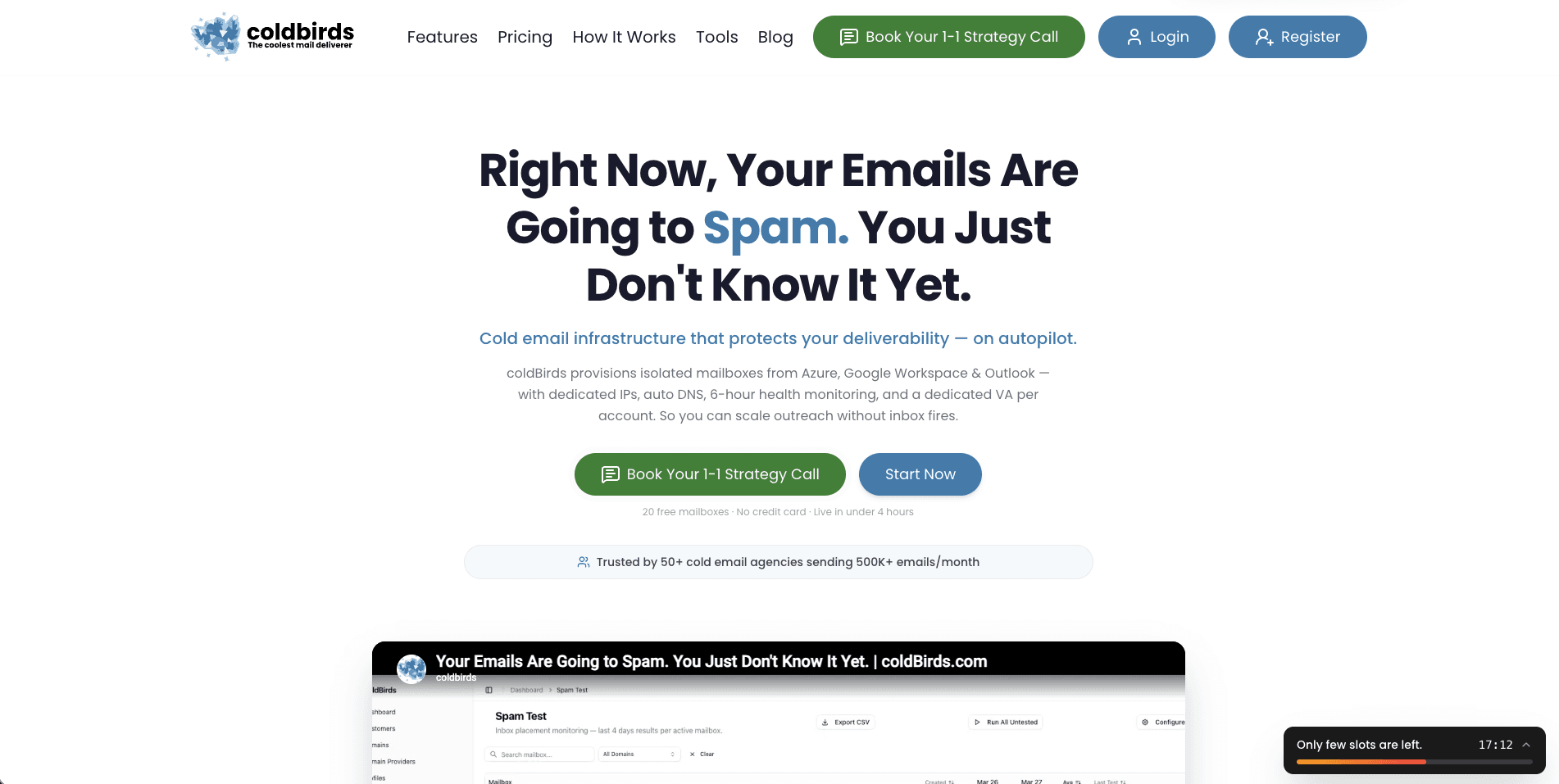
Cold email infrastructure is the complete technical stack that enables high-volume, high-deliverability cold outreach. It's the combination of domains, mailboxes, IP addresses, DNS authentication, warmup protocols, and monitoring systems that determine whether your emails reach the inbox or get silently dropped.
It is not the email sequencer or the copy tool. Those sit on top of the infrastructure. Infrastructure is the foundation.
A complete cold email infrastructure stack includes:
- Sending domains — Secondary domains (not your primary business domain) registered specifically for cold outreach
- Mailboxes — Google Workspace or Microsoft 365 accounts provisioned on those domains
- IP addresses — Dedicated IPs assigned to your sending accounts (not shared with strangers)
- DNS authentication — SPF, DKIM, and DMARC records configured correctly on every domain
- Warmup protocol — A 14–28 day ramp-up process for every new mailbox before bulk sending
- Health monitoring — Ongoing checks of inbox placement rates, blacklist status, and domain reputation
- Sequencer integration — Connection to your sending tool (Instantly, Smartlead, etc.)
The term "infrastructure" is intentional. Like a building's plumbing and electrical systems, cold email infrastructure is invisible when it works and catastrophic when it doesn't.
Why Infrastructure Determines Campaign Success
Inbox providers like Gmail, Outlook, and Yahoo evaluate hundreds of signals before deciding where to place an incoming email. Most of those signals are infrastructure signals — not content signals.
| Signal Type | Weight | Infrastructure or Content? |
|---|---|---|
| Sender IP reputation | Very High | Infrastructure |
| Domain authentication (SPF/DKIM/DMARC) | Very High | Infrastructure |
| Domain age and history | High | Infrastructure |
| Sending volume patterns | High | Infrastructure |
| Engagement history | Medium | Both |
| Content / spam triggers | Medium | Content |
| HTML structure | Low | Content |
Infrastructure signals account for roughly 70% of deliverability outcomes. Writing better subject lines cannot fix a misconfigured DMARC record or a blacklisted IP.
The 7 Core Components Explained
1. Sending Domains
Your primary company domain (yourcompany.com) should never be used for cold outreach. If it gets flagged, it takes your transactional email, website, and brand credibility with it.
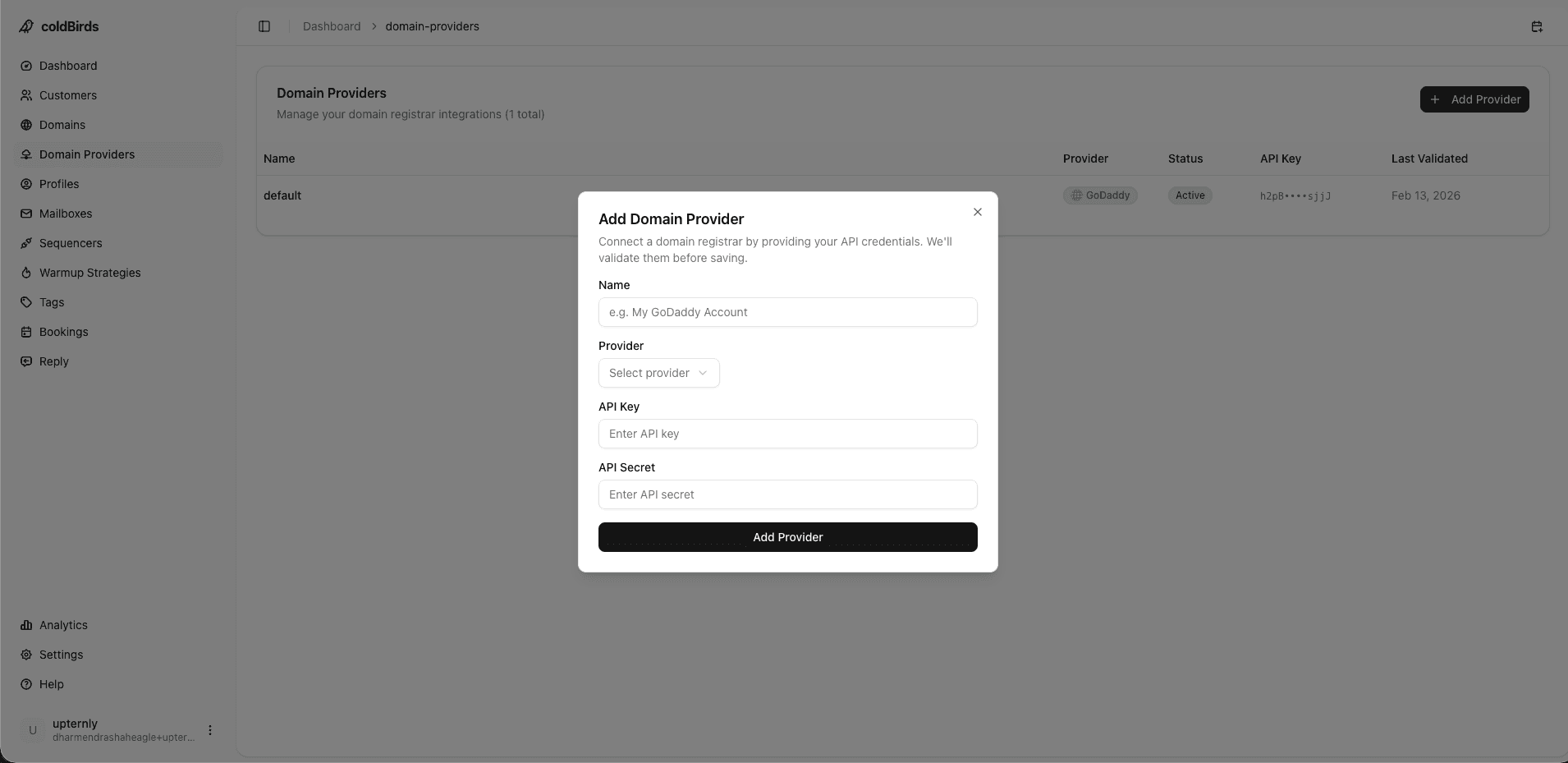
Instead, register secondary "sending domains" — variations of your primary domain like getyourcompany.com, yourcompanyco.com, or yourcompanyhq.com. These domains absorb the risk.
Best practice: Use 3–5 sending domains per client if you're an agency. Each domain hosts 2–3 mailboxes.
2. Mailboxes
Each sending domain needs 2–3 email accounts. These are provisioned on either Google Workspace (Gmail) or Microsoft 365 (Outlook). Both have excellent deliverability when properly managed.
Google Workspace costs $6–$8.40/mailbox/month. For 200 mailboxes, that's $1,200–$1,680/month just for the mailbox layer — before warmup, monitoring, or management tools.
3. IP Addresses
The IP address that sends your email carries its own reputation. On shared IPs, you're judged by the behavior of every other sender on the same IP. One bad actor tanks everyone's deliverability.
Dedicated IPs eliminate this — your reputation is yours alone. True infrastructure isolation means 1 dedicated IP per 3 mailboxes maximum. If something degrades, the blast radius is 3 mailboxes, not 300.
coldBirds uses a 1:1:1:3 isolation model: 1 workspace, 1 domain, 1 dedicated IP per 3 mailboxes. No competitor offers this level of isolation. Blast radius on any incident = 3 mailboxes.
4. DNS Authentication
Three records are non-negotiable:
- SPF (Sender Policy Framework) — Authorizes which IP addresses can send on behalf of your domain
- DKIM (DomainKeys Identified Mail) — Cryptographic signature that verifies email wasn't tampered with in transit
- DMARC (Domain-based Message Authentication, Reporting & Conformance) — Policy that tells receiving servers what to do when authentication fails
Google and Yahoo now require DMARC for bulk senders (≥5,000 emails/day). Without it, your emails are rejected at scale.
5. Warmup Protocol
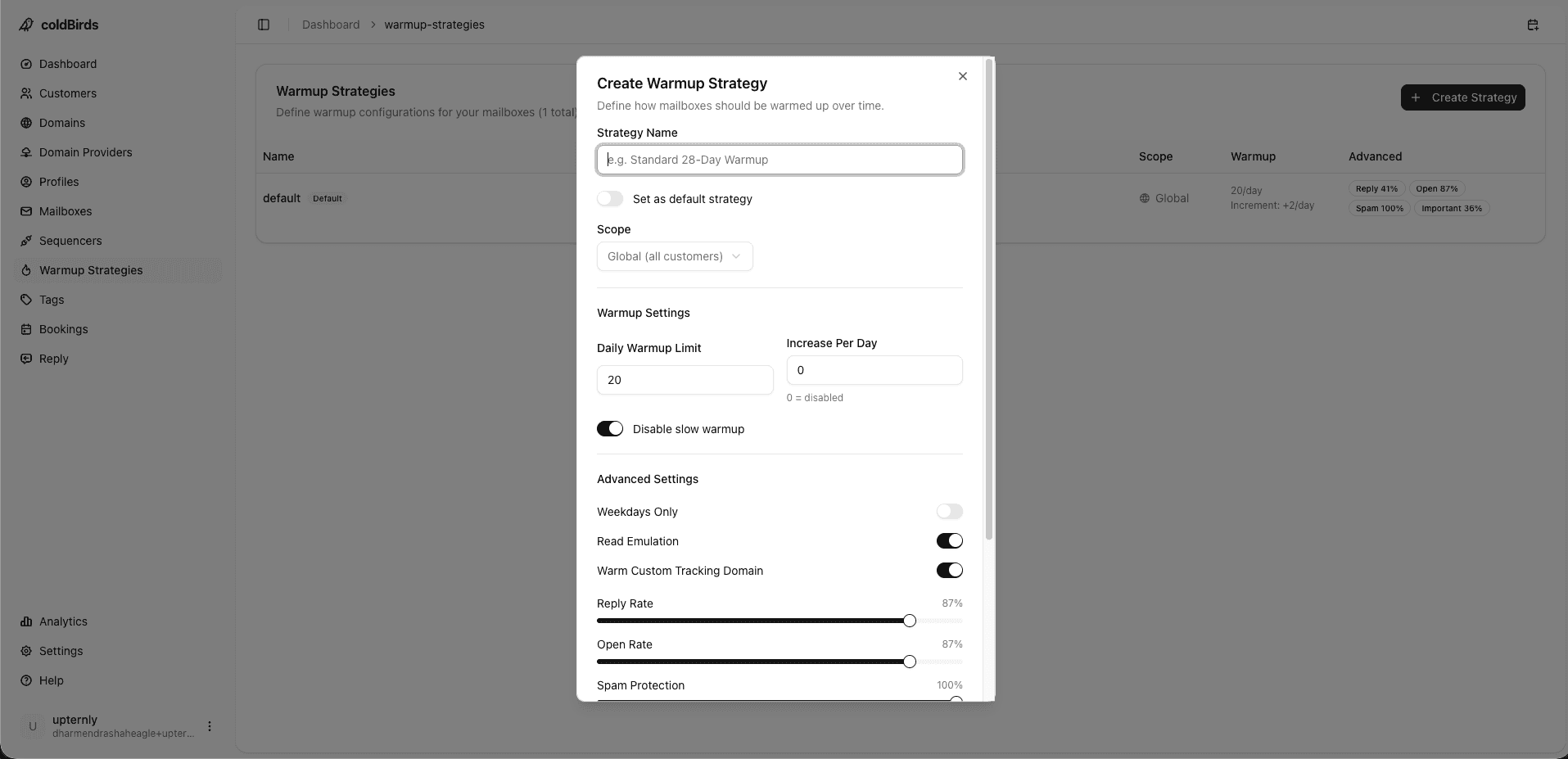
New mailboxes cannot send 100 emails on day one. Inbox providers expect organic, gradual growth that mirrors real human behavior.
A proper warmup:
- Starts at 2–5 emails/day
- Increases by 2–3 emails/day each day
- Runs for 14–28 days before production sending
- Generates real engagement (opens, replies) to build positive reputation signals
6. Health Monitoring
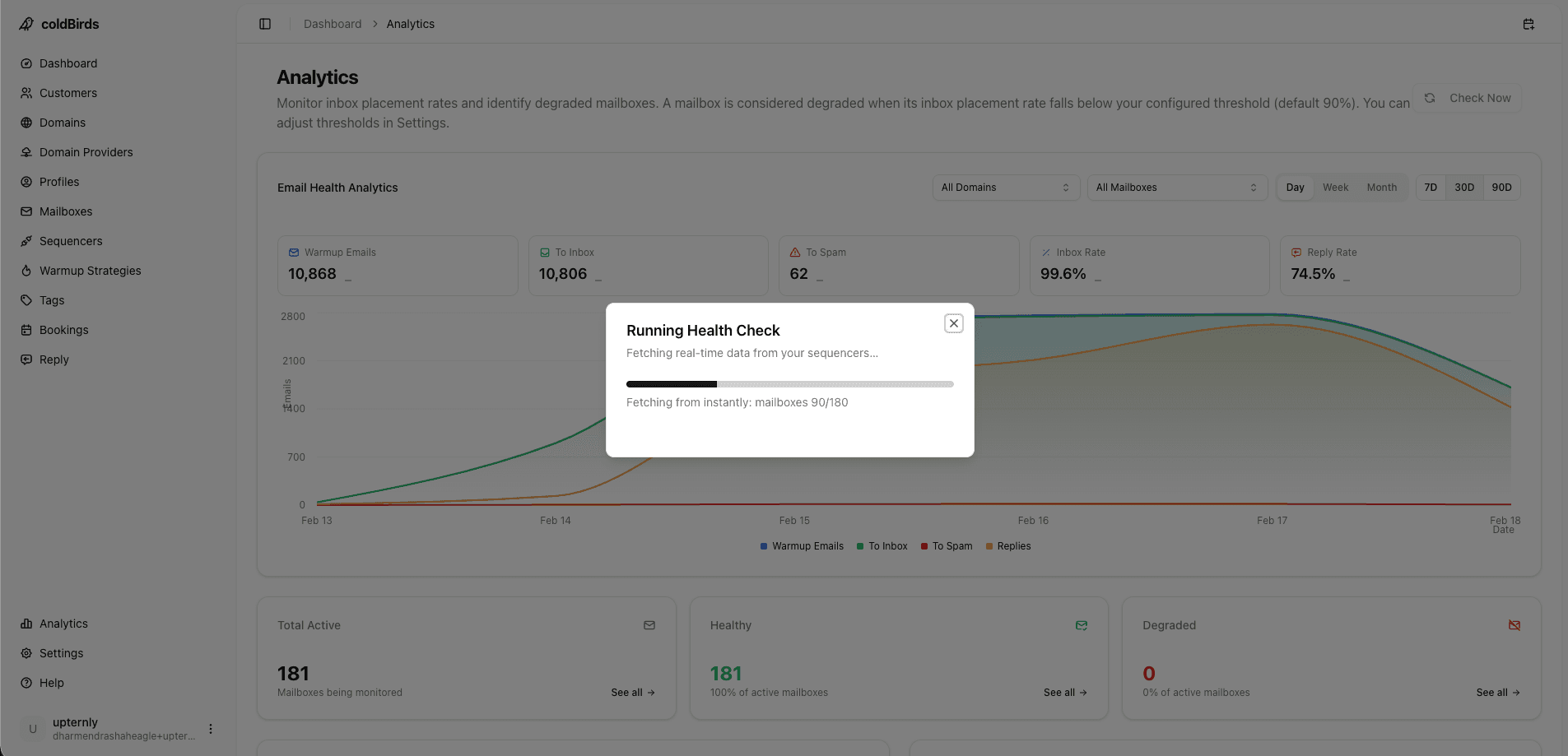
Deliverability is not a "set it and forget it" system. Mailboxes can degrade due to spam complaints, blacklisting, or IP reputation changes — often without any visible warning.
Monitoring should check every mailbox's inbox placement rate, blacklist status, and authentication health — ideally every 6 hours. Any degraded mailbox should be automatically suspended before it damages the domain.
7. Sequencer Integration
The sequencer (Instantly, Smartlead, PlusVibe, Email Bison, etc.) is the tool that manages the actual email sending, follow-up sequences, and reply handling. Infrastructure connects to the sequencer — not the other way around.
Most agencies use one or two sequencers. The infrastructure layer must integrate with all of them without forcing lock-in to a specific tool.
Infrastructure Requirements by Buyer Type
Cold email infrastructure looks different depending on your situation. Here's what each type of buyer actually needs:
Cold Email Agencies
Agencies need infrastructure that scales across clients. Each client requires completely isolated domains, mailboxes, and IPs. Client onboarding should take hours, not weeks. The system must support 50–1,000+ mailboxes across dozens of clients simultaneously. White-labeled dashboards let you deliver a premium service experience under your own brand.
Key priority: Client isolation — one client's problem must never affect another client's deliverability.
In-House SDR Teams
SDR teams need infrastructure that integrates with their CRM (Salesforce, HubSpot), their sequencer (Outreach, Salesloft, Instantly), and their IT security requirements. Team-level dashboards let a Sales Ops or Rev Ops manager monitor the entire team from one screen.
Key priority: Compliance documentation and CRM integrations — most enterprise procurement requires SOC 2 Type II.
Solo Operators and Freelancers
Solo operators don't have time to learn DNS. They need a platform that configures everything automatically — you enter your domain, the platform handles SPF, DKIM, DMARC, warmup, and monitoring. Starting with 5–25 mailboxes at $3.90–$4.50/inbox/month is the right entry point.
Key priority: Simplicity, clear documentation, and a single all-in monthly cost per inbox.
EU-Based Senders (GDPR Compliance)
Teams sending into or from the EU need GDPR-compliant infrastructure. This means: documented legal basis for processing prospect data, a signed Data Processing Agreement (DPA) with the infrastructure provider, and EU data residency options.
If you're an EU agency or sending into the European Economic Area, your infrastructure provider must offer a GDPR-compliant DPA. Without one, you're in violation of GDPR Article 28 — which carries fines up to €20M or 4% of global revenue.
API-First and Developer Teams
Technical teams embedding cold email infrastructure into their products need REST API access to provision mailboxes, query health status, trigger actions, and receive webhook events. Infrastructure should be fully programmable — not just accessible through a GUI.
Key priority: REST API docs, webhook events, programmatic mailbox provisioning, and uptime SLAs with enterprise-grade support.
Self-Managed vs. Managed Infrastructure
| Approach | Monthly Cost | Setup Time | Technical Requirement | Ongoing Effort |
|---|---|---|---|---|
| DIY (manual) | $1,500–$3,500 | 2–4 weeks | High (DNS, SMTP, GWS admin) | 10–20 hrs/week |
| Managed service | $800–$2,000 | 1–3 days | Low | 1–2 hrs/week |
| Platform (coldBirds) | Starts at $97/mo | Hours | Very low (auto DNS) | <30 min/week |
DIY infrastructure looks cheaper on paper until you account for your time. At a $150/hr agency rate, 10 hours/week of infrastructure management = $6,000/month in opportunity cost.
5 Infrastructure Mistakes That Kill Deliverability
1. Using your primary domain for cold outreach — One spam complaint can blacklist your main domain. Always use secondary sending domains.
2. Skipping warmup — New mailboxes need 14–28 days before bulk sending. Skipping warmup results in immediate spam folder placement.
3. Shared IPs — On most cheap email hosting providers, IP pools are shared across thousands of users. One bad actor affects everyone. Always verify IP isolation.
4. Missing or misconfigured DNS — 40% of cold email senders have at least one DNS misconfiguration. Check your SPF, DKIM, and DMARC before every campaign.
5. No ongoing monitoring — Mailboxes degrade silently. By the time you notice open rates dropping, reputation damage has already compounded.
Infrastructure for Agencies vs. In-House Teams
Cold Email Agencies need infrastructure that scales across clients. Each client requires isolated domains and mailboxes — not just separate campaigns on shared infrastructure. Client onboarding should take hours, not weeks. The system must support 50–1,000+ mailboxes across dozens of clients simultaneously.
In-House SDR Teams need infrastructure that integrates with their CRM (Salesforce, HubSpot), their sequencer (Outreach, Salesloft), and their IT security requirements. They need team-level dashboards, not just per-mailbox monitoring.
Solo Operators need infrastructure that doesn't require DNS expertise. Auto-configuration, guided warmup, and clear dashboards are more important than advanced API access.
EU-Based Teams need infrastructure with GDPR-compliant data handling, EU data residency options, and documented DPA agreements.
Infrastructure ROI by Scale
The financial case for managed infrastructure becomes clearer as volume grows:
| Scale | Monthly Send Volume | Manual Infra Cost | Managed Platform | Time Saved/Week |
|---|---|---|---|---|
| Solo (25 mailboxes) | ~30,000 emails/mo | $800–$1,200/mo | $97–$200/mo | 5–8 hrs |
| Agency (200 mailboxes) | ~240,000 emails/mo | $4,500–$7,000/mo | $800–$1,500/mo | 15–25 hrs |
| Enterprise (500 mailboxes) | ~600,000 emails/mo | $10,000+/mo | $2,000–$3,500/mo | 30–40 hrs |
The manual cost includes Google Workspace fees, dedicated IPs, warmup tools, monitoring tools, and labor. At a $150/hr agency rate, 20 hours/week = $13,000/month in opportunity cost alone.
How to Get Started with Cold Email Infrastructure
If you're setting up from scratch:
- Register 3–5 sending domains — Use a domain registrar that allows easy DNS management
- Provision mailboxes — 2–3 per domain, on Google Workspace or Microsoft 365
- Configure DNS — Set SPF, DKIM, and DMARC on every domain (use MXToolbox to verify)
- Start warmup — Connect to a warmup tool or use a platform with built-in warmup
- Connect your sequencer — Link your mailboxes to Instantly, Smartlead, or your preferred tool
- Set up monitoring — Use Google Postmaster Tools for domain reputation tracking
Or use a managed infrastructure platform that handles steps 2–6 automatically, letting you focus on the campaigns instead of the plumbing.
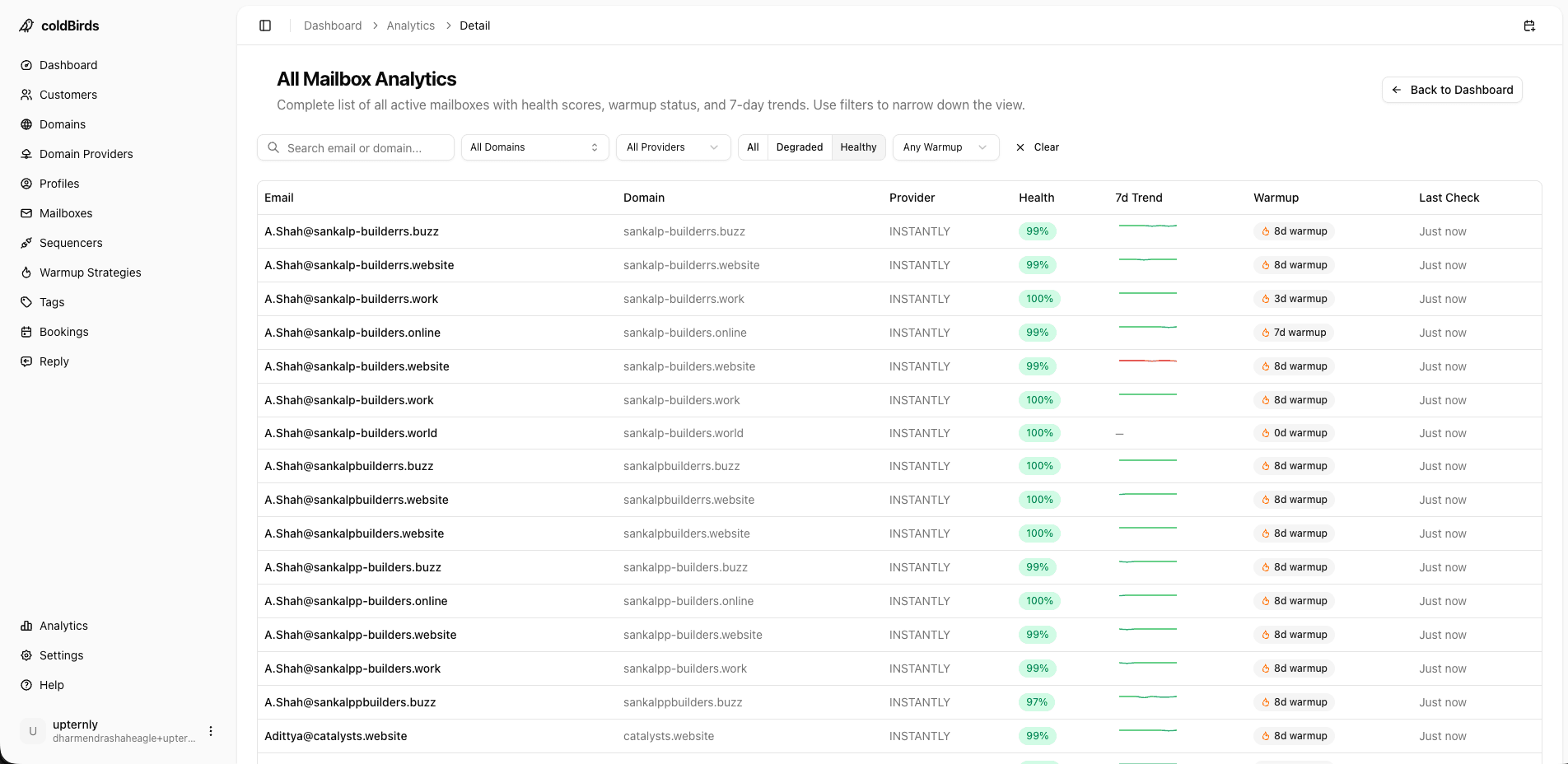
Infrastructure setup takes 2–4 weeks manually. coldBirds provisions domains, configures DNS, applies warmup, and hands you a dashboard — in hours.
Start Free with 20 Isolated Mailboxes →Key Takeaways
-
Cold email infrastructure = domains + mailboxes + IPs + DNS + warmup + monitoring + sequencer integration
-
Infrastructure signals account for ~70% of deliverability outcomes — better copy cannot compensate for bad infrastructure
-
Use secondary domains (never your primary) for all cold outreach
-
True isolation means 1 dedicated IP per 3 mailboxes — shared IPs create shared risk
-
SPF, DKIM, and DMARC are required by Google and Yahoo for bulk senders
-
Warmup takes 14–28 days; skipping it results in immediate spam placement
-
Automated health monitoring every 6 hours catches degradation before it compounds
-
DIY infrastructure costs $1,500–$3,500/month and 10–20 hrs/week; managed platforms start at $97/month
-
EU senders need a GDPR DPA with their infrastructure provider — not just technical compliance
-
Compliance-conscious buyers should require SOC 2 Type II documentation before signing any infrastructure contract
-
API-first teams need programmable infrastructure: REST API, webhooks, and programmatic provisioning
For a deep dive on DNS authentication, see our guide on SPF, DKIM & DMARC for cold email. For agency-specific setup, read Cold Email Infrastructure for Agencies. For a complete tool comparison see Cold Email Infrastructure Tools: The Complete Stack.
